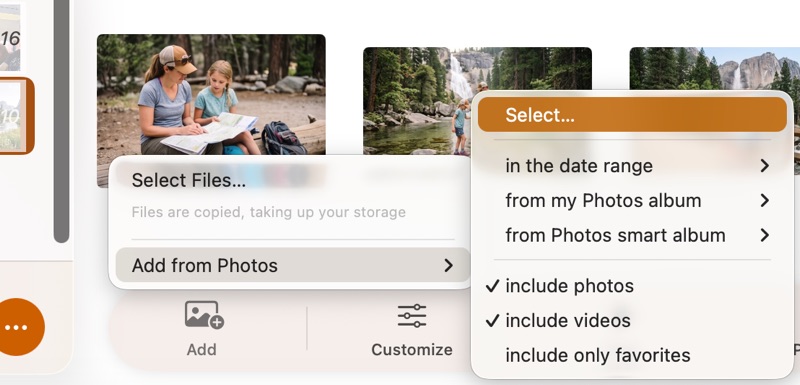
Photos Library vs. Files: Which Should You Use in SlideFlow?
SlideFlow builds slideshows from your Apple Photos library or from image and video files. Learn what each source gives you, what each costs, and which one to pick.


Create beautiful photo and video slideshows on Mac, iPhone, iPad, and TV.

Get the most out of SlideFlow. Learn how to design stunning slideshows in seconds, or dive into advanced features to tailor every single detail to your creative vision.
SlideFlow builds slideshows from your Apple Photos library or from image and video files. Learn what each source gives you, what each costs, and which one to pick.
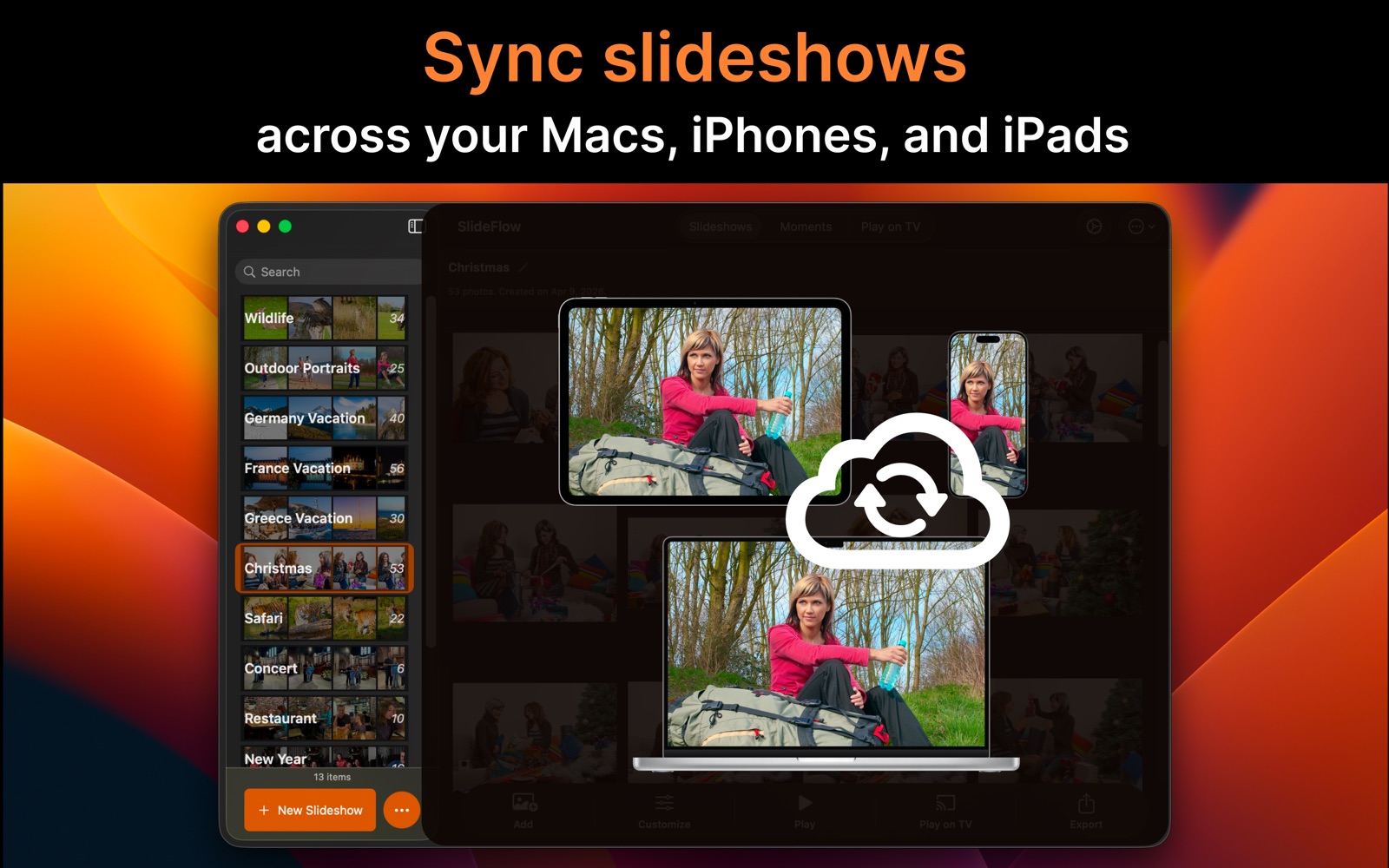
Learn how SlideFlow uses iCloud to sync slideshows across your Macs, iPhones, and iPads, including requirements, limitations, and important details.

Connect SlideFlow to a DLNA TV from your Mac, iPhone, or iPad—and what to check when the TV isn’t found in the list, or is found but nothing plays.
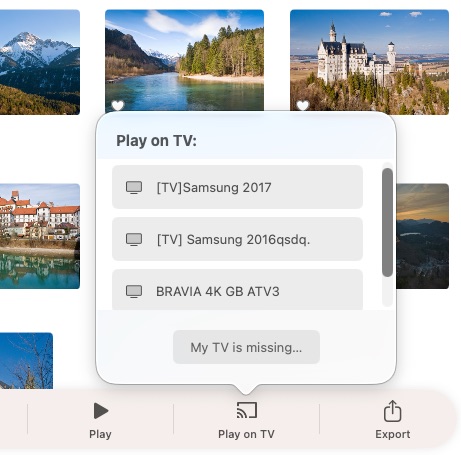
How to cast a photo slideshow from your Mac, iPhone, or iPad to a DLNA TV with SlideFlow—the steps, and the settings that matter when a room is watching.
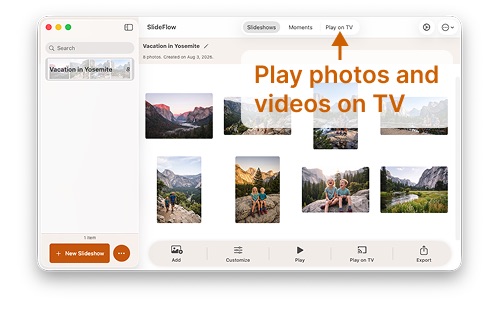
Cast single photos and videos from your Mac, iPhone, or iPad to a DLNA TV with SlideFlow—your device is the remote, and the television shows the picture.
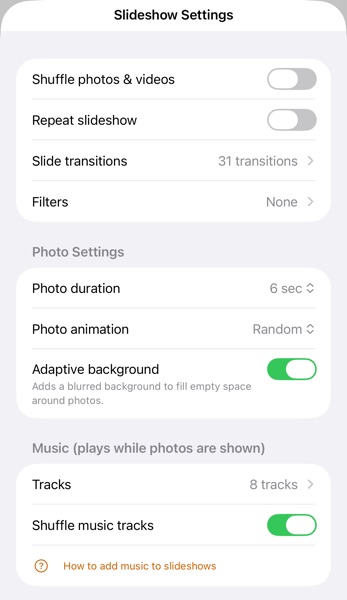
Learn how to customize slideshow settings in SlideFlow, including Default Slideshow Settings, Slideshow Settings, and Media Settings for individual photos and videos.
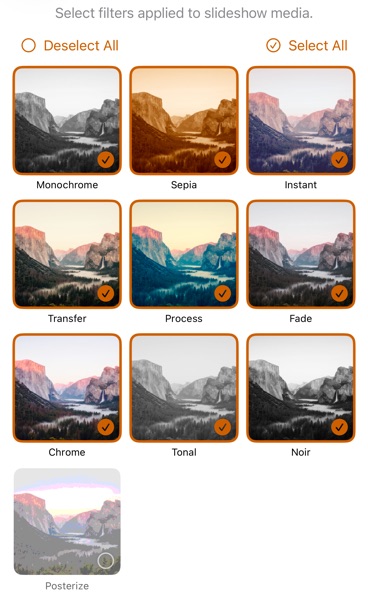
Add creative filters to a SlideFlow photo slideshow: Monochrome, Sepia, Noir and more. See your photos in a new style without keeping a dozen edited copies.
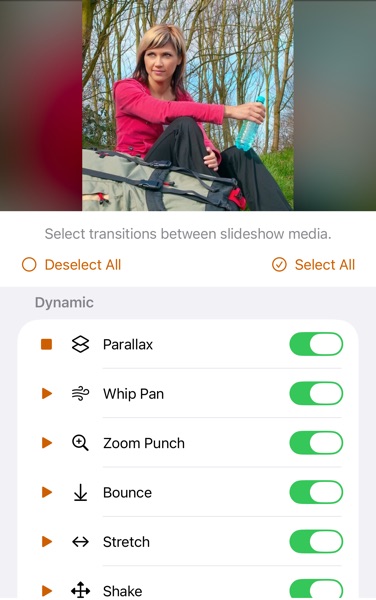
Add transitions to a photo slideshow with SlideFlow on Mac, iPhone, and iPad – dissolves, wipes, slides, glitches and more. Which to enable, and how many to use.
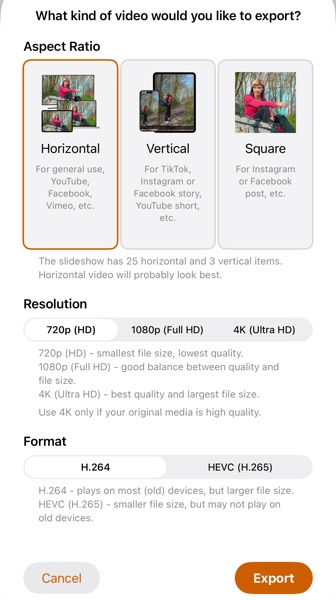
Learn how to export and share a photo slideshow as an MP4 video on Mac, iPhone, and iPad with SlideFlow: horizontal, vertical, or square, 720p to 4K.
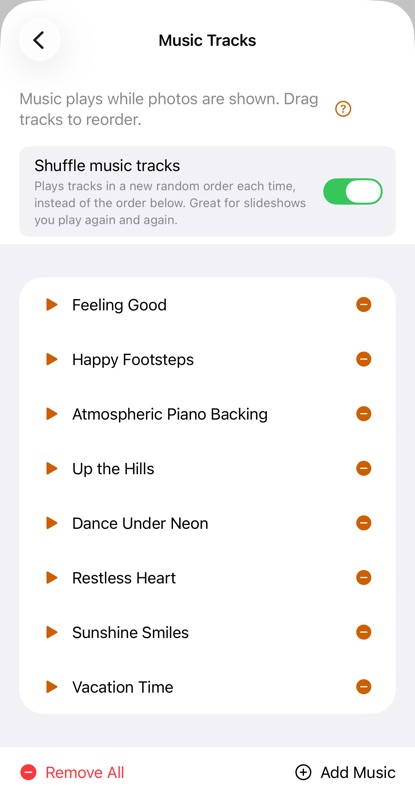
Learn how to make a photo slideshow with music on Mac, iPhone, and iPad using SlideFlow. Use built-in music or add your own songs.
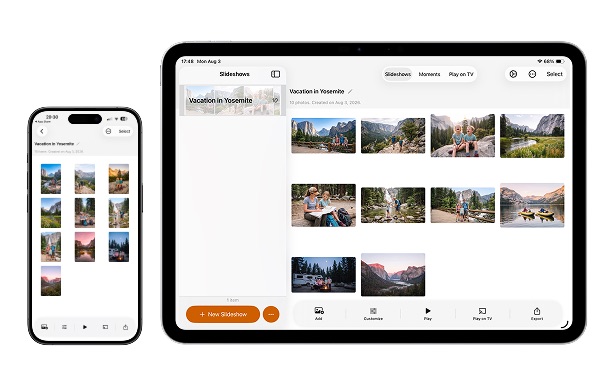
Creating an animated photo slideshow is a great way to share memories. Learn how to make stunning videos in seconds on iPhone and iPad using SlideFlow.
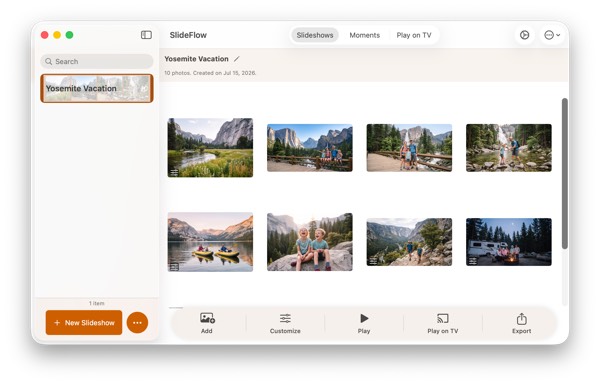
Creating an animated photo slideshow is a great way to showcase your photos and videos. This tutorial shows how to make one easily, in seconds, using SlideFlow.
Looking for a quick answer instead? The SlideFlow FAQ covers the most common questions, or contact us – we are happy to help.