

iSize
Advanced image resizer and converter for iPhone and iPad.

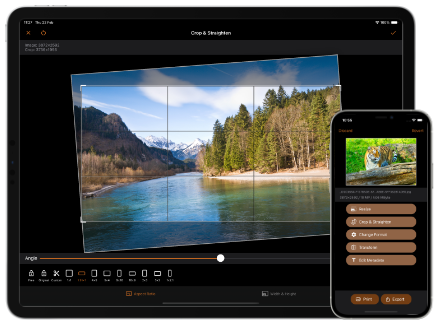
Resize & Convert Images on iPhone and iPad
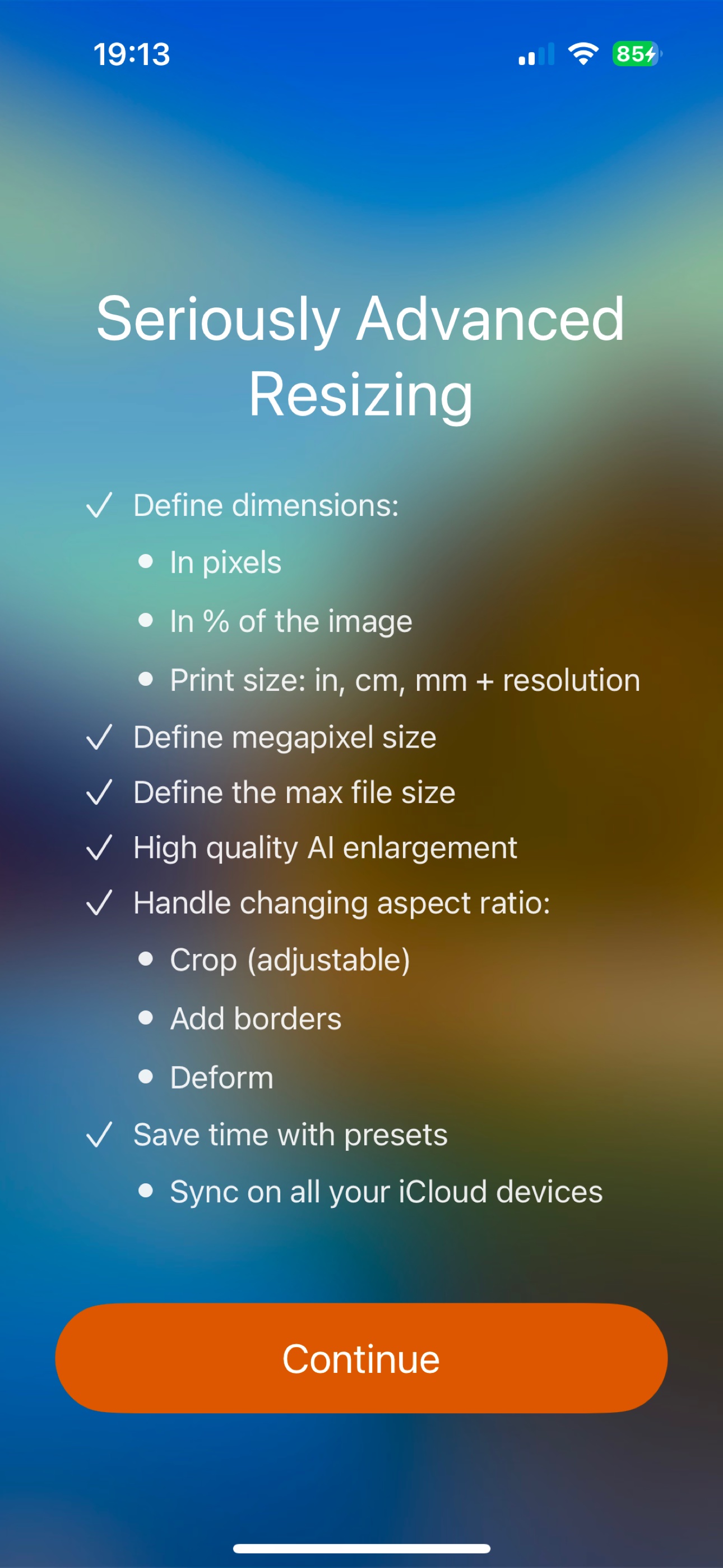
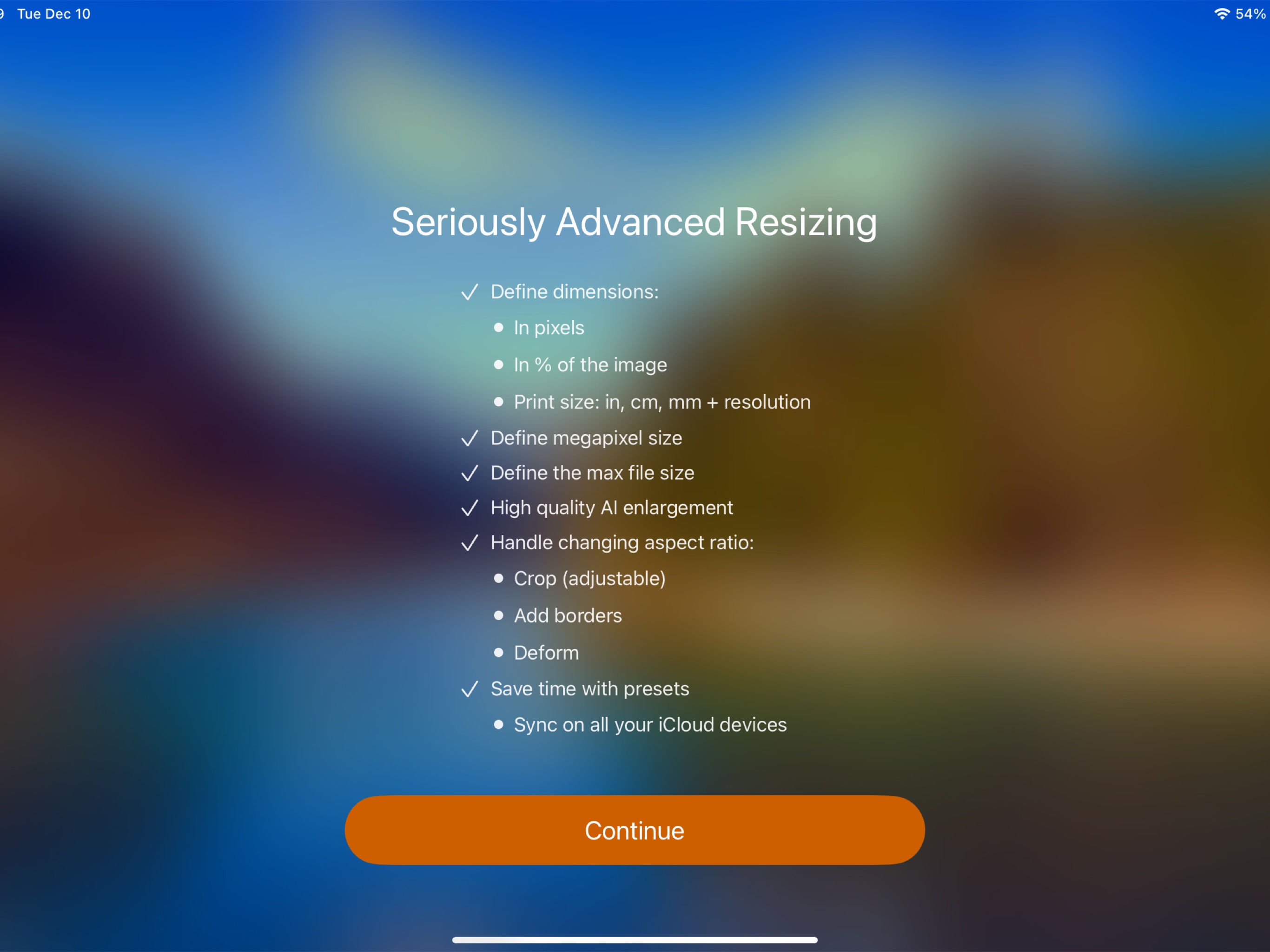
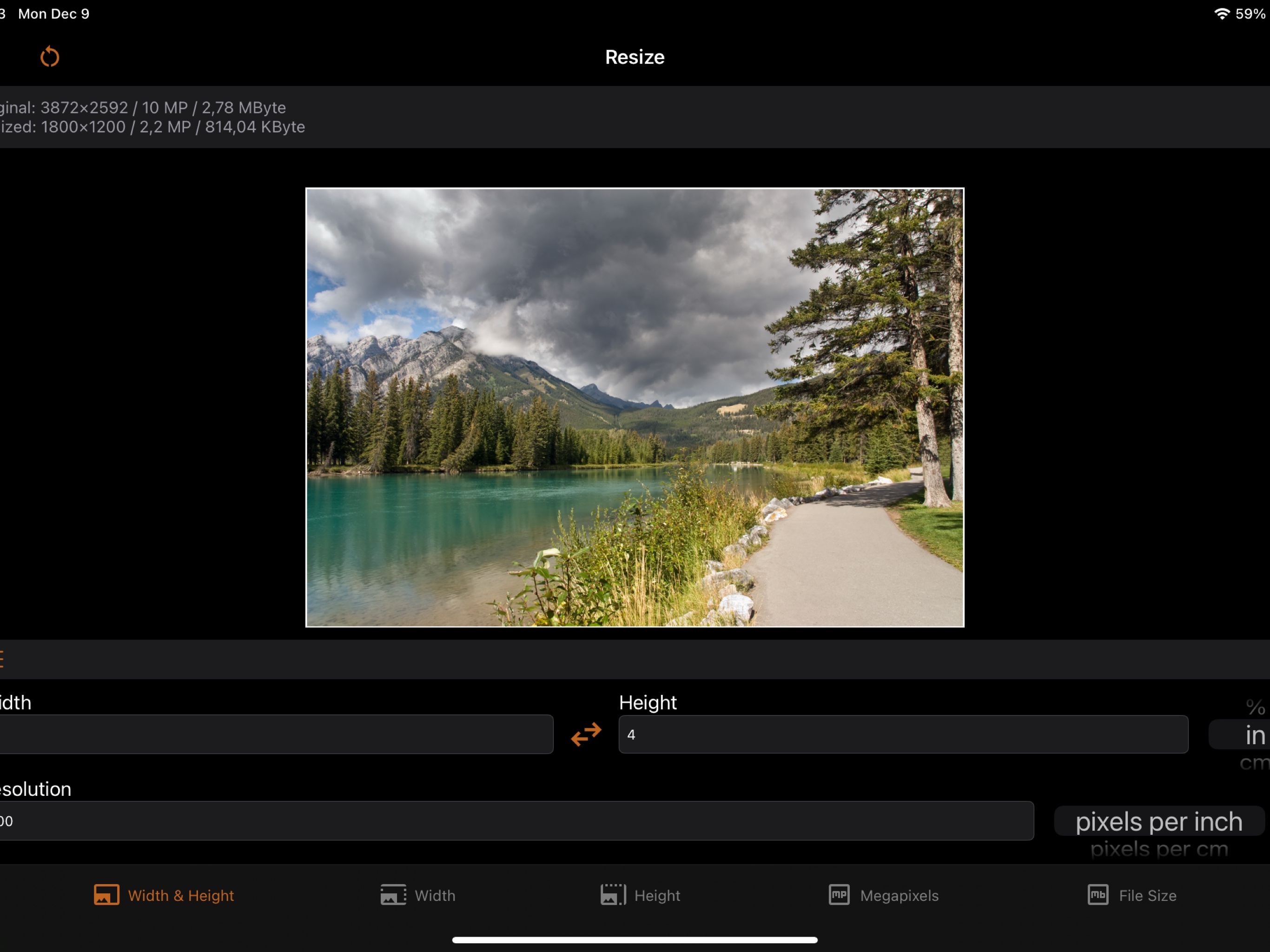
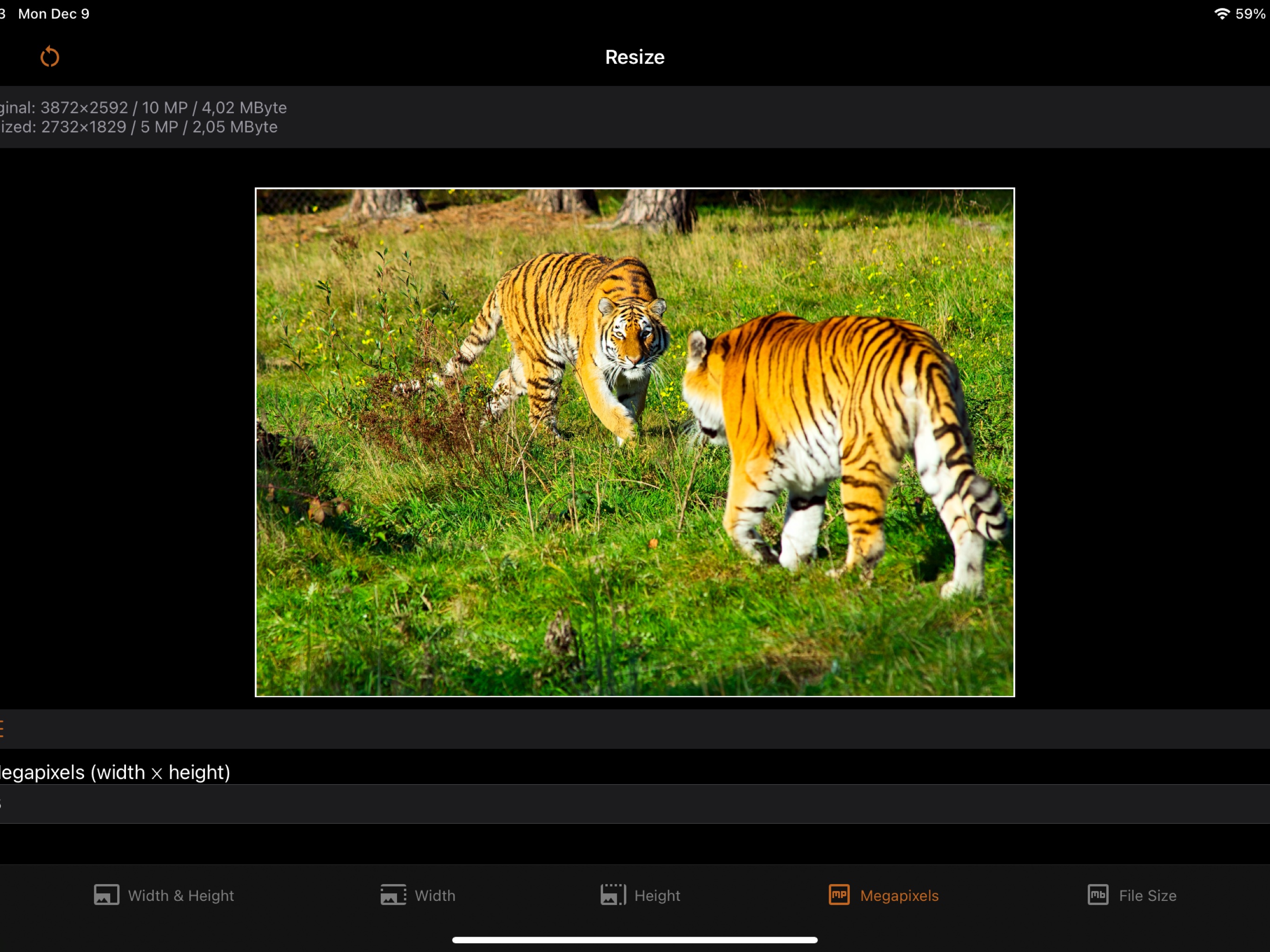
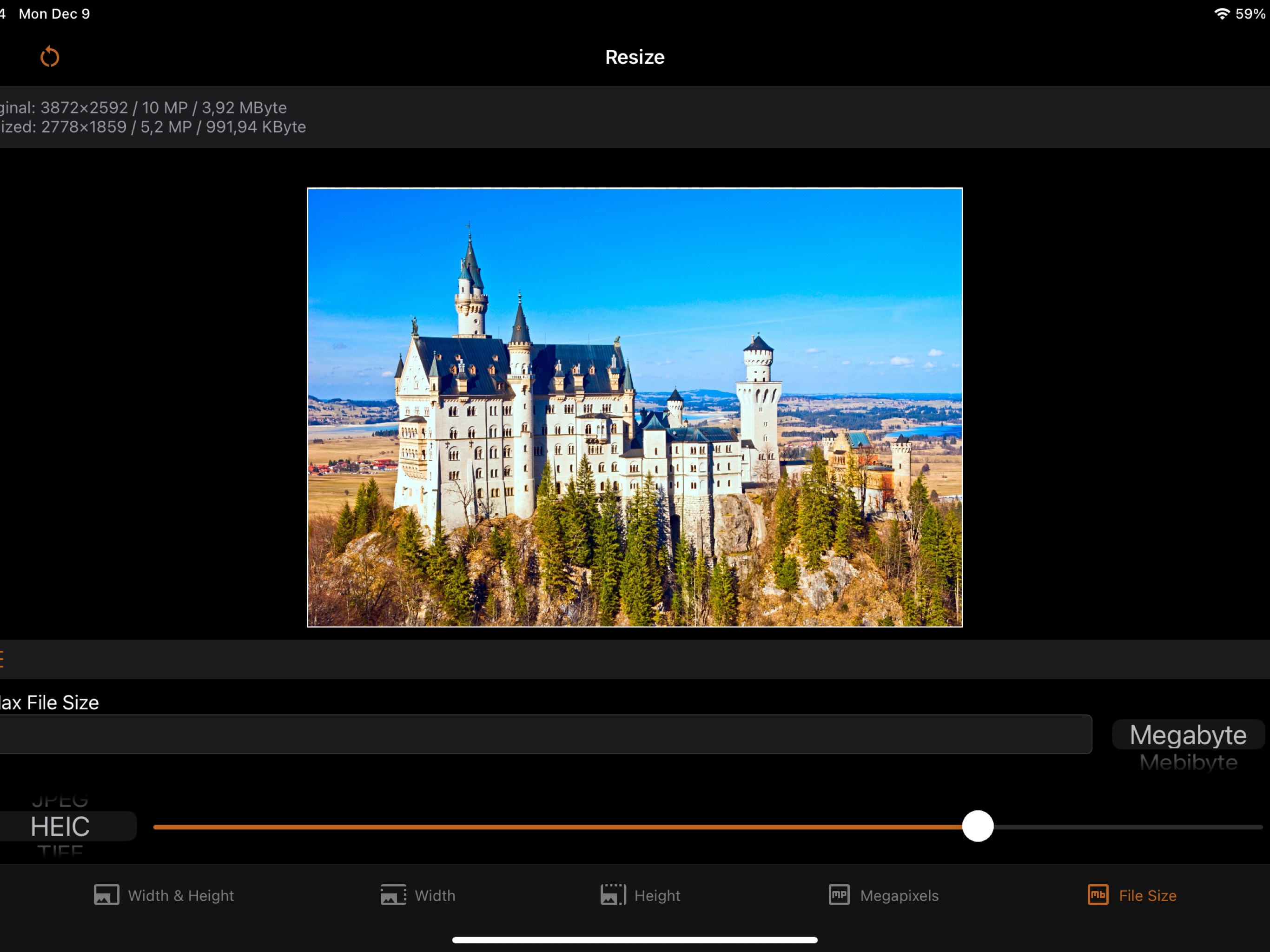
iSize is an advanced image resizer and converter for iPhone and iPad. Resize a photo to exact pixel dimensions, a percentage, a print size in inches or centimeters, a megapixel count, or a maximum file size – for example, make an image file at most 1 MB for an upload limit. Convert between JPEG, HEIC, TIFF, PNG, GIF, and BMP with control over compression quality, and choose how aspect ratio changes are handled: crop, deform, or add borders.
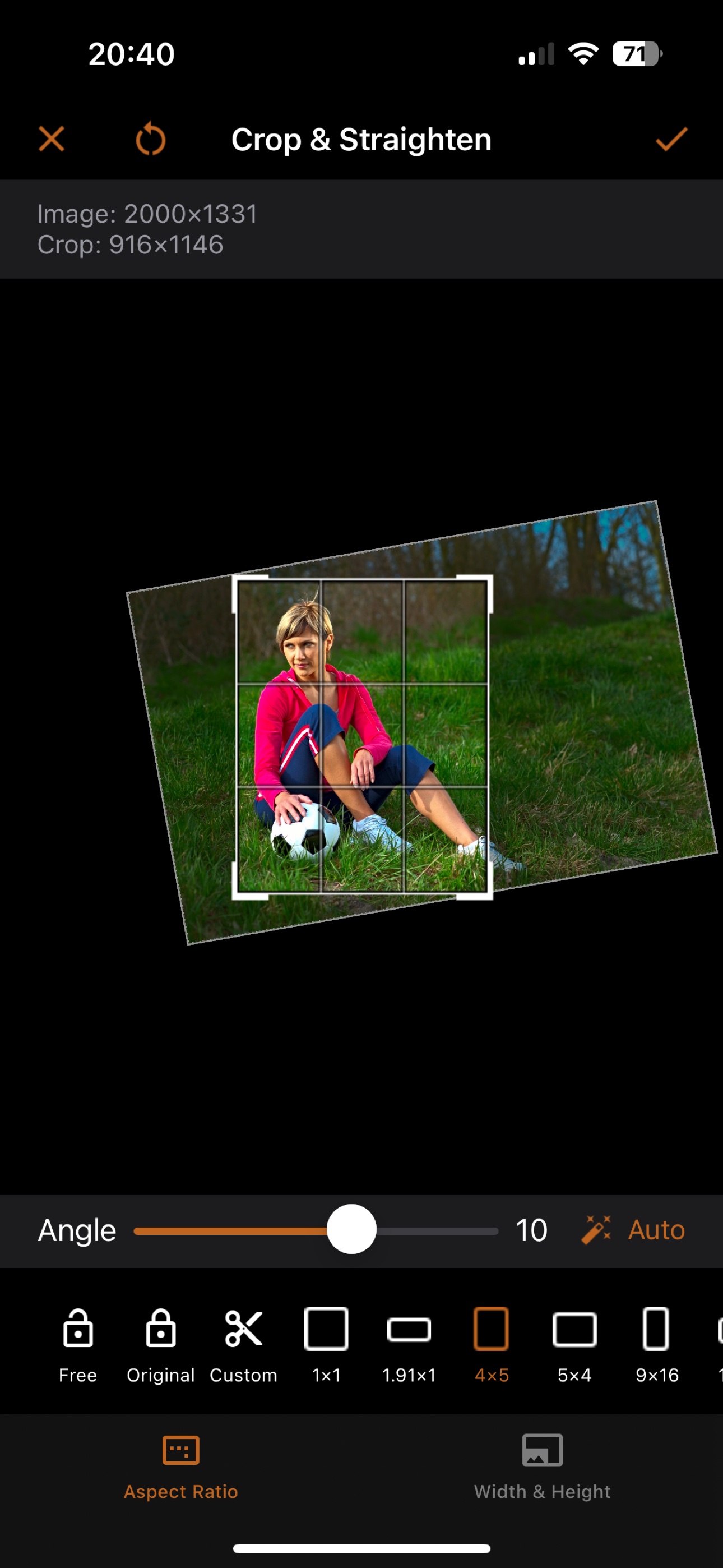
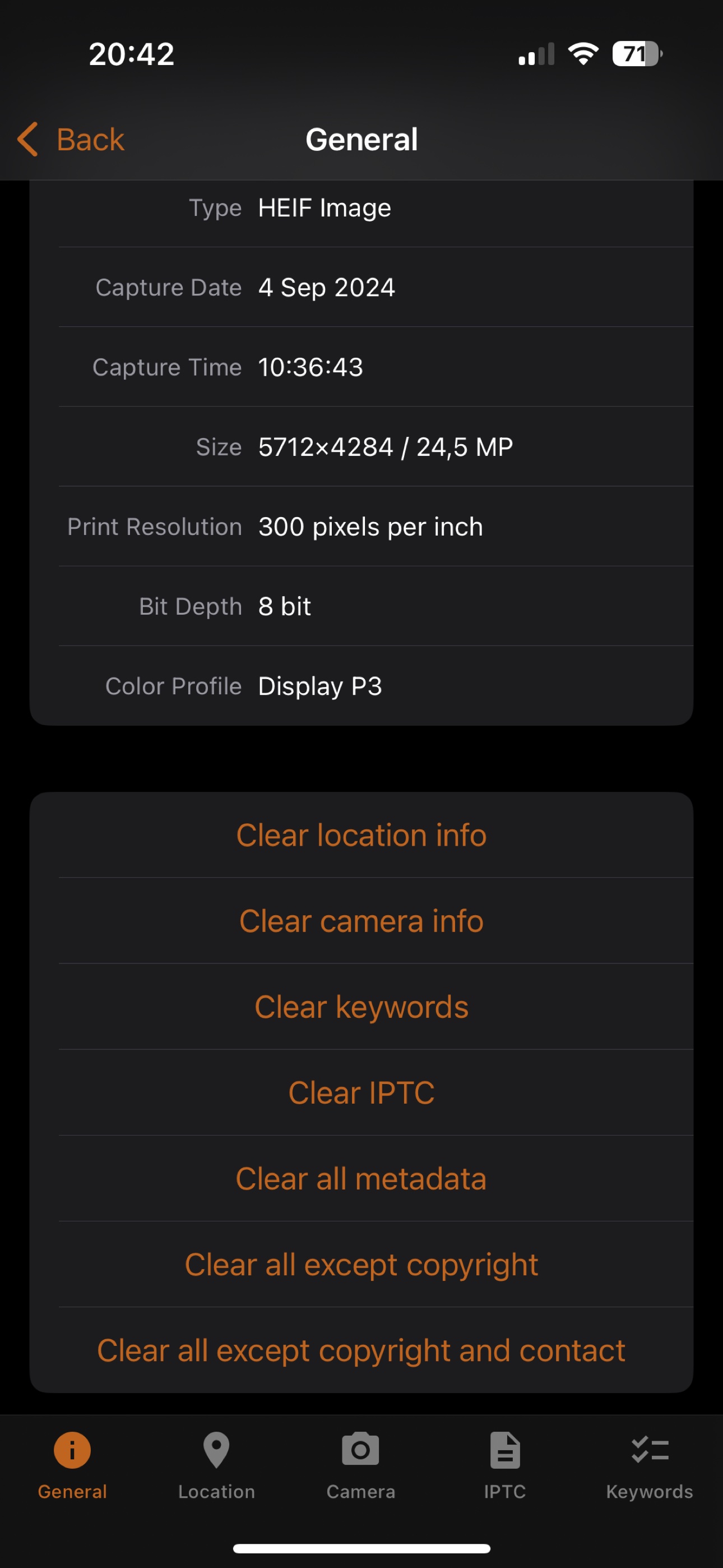
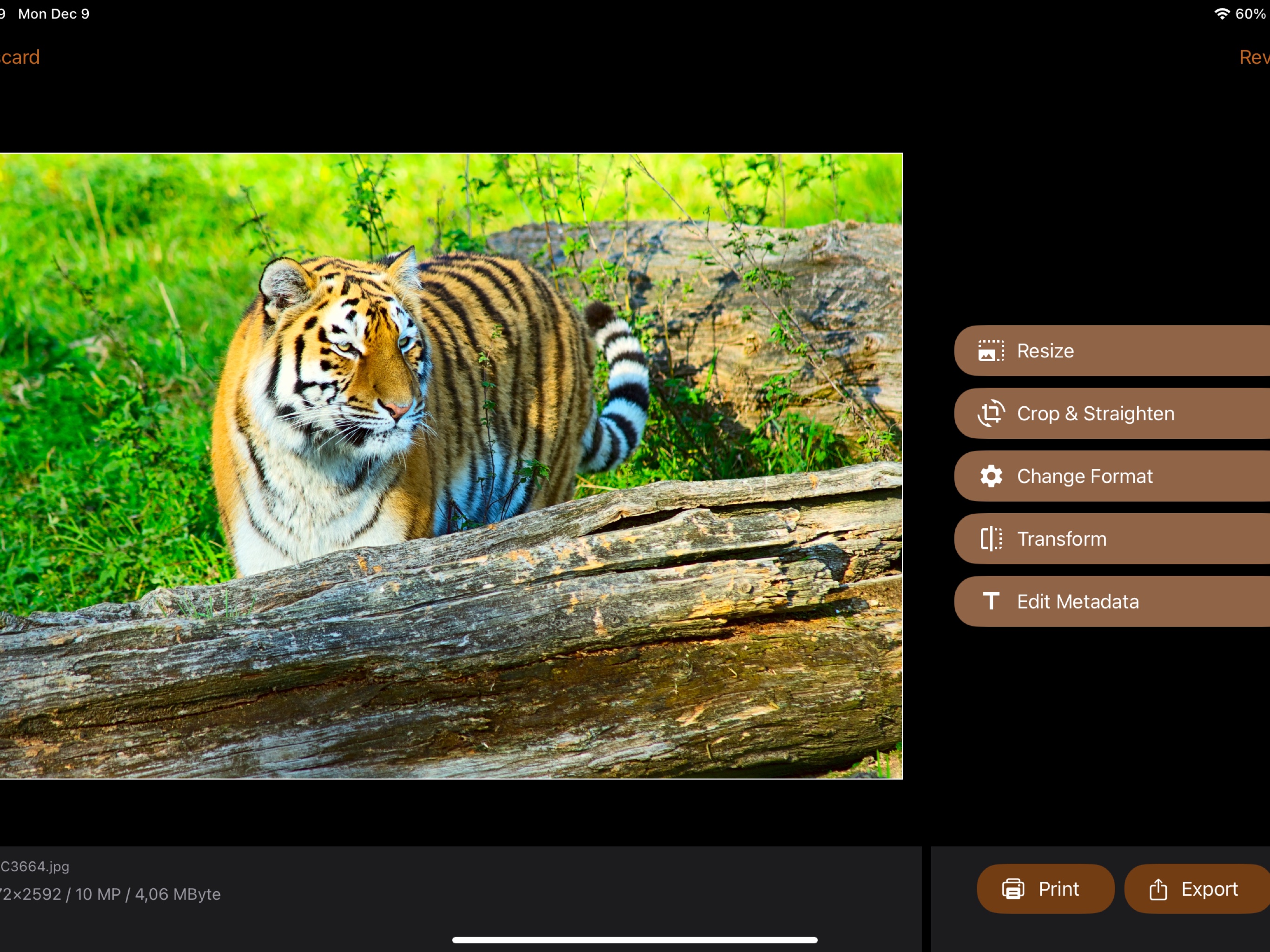
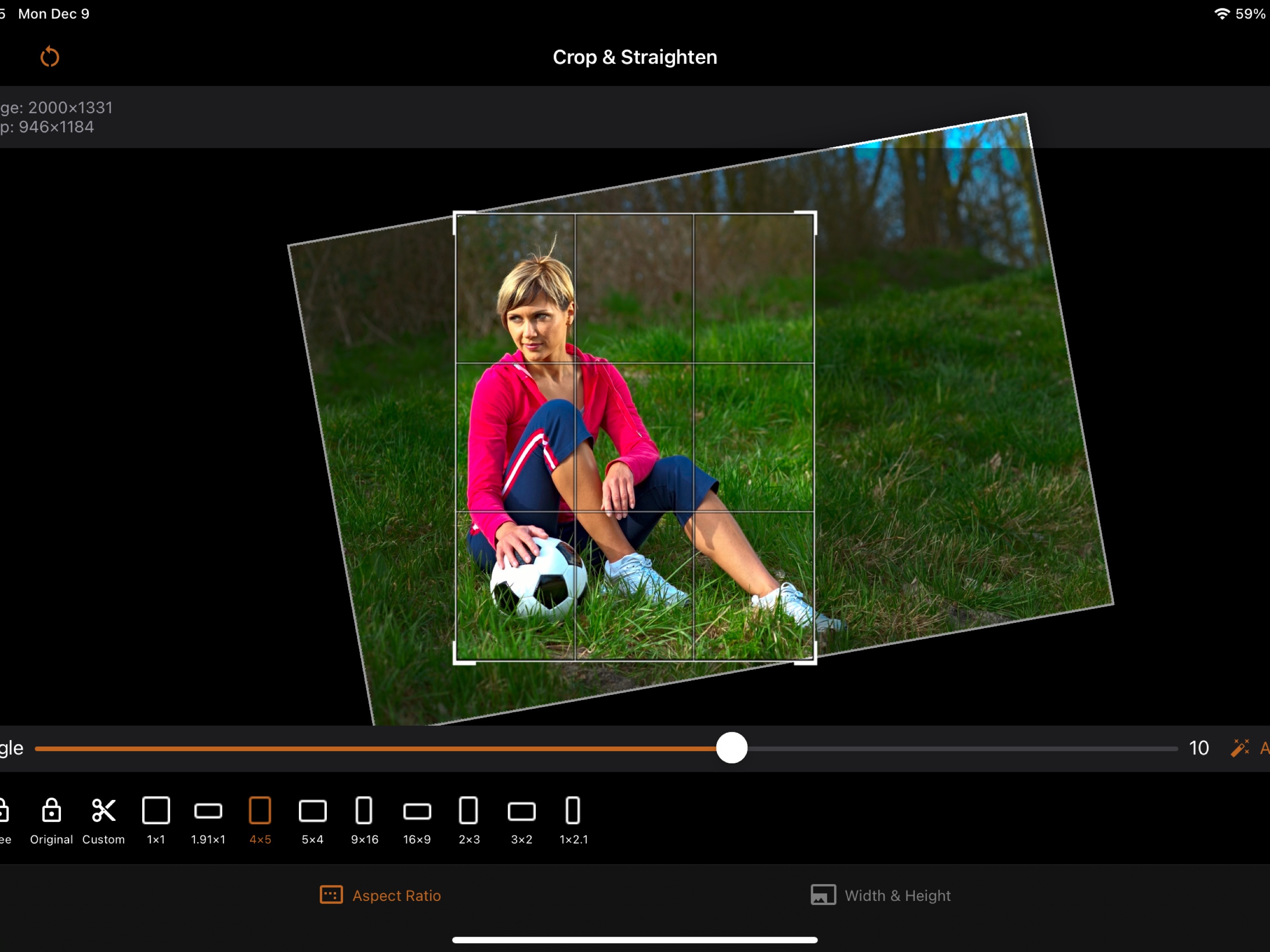
Beyond resizing, iSize can crop and straighten, batch process multiple images at once, enlarge small images with high-quality AI upscaling, view and edit EXIF, IPTC, and GPS metadata, and print at an exact size. Quick and easy for preparing photos for social media, yet precise enough for serious graphic design work. Your size presets sync across devices via iCloud. iSize is free to download and try for as long as you like, with full access via subscriptions or a one-time lifetime purchase.
Powerful Features

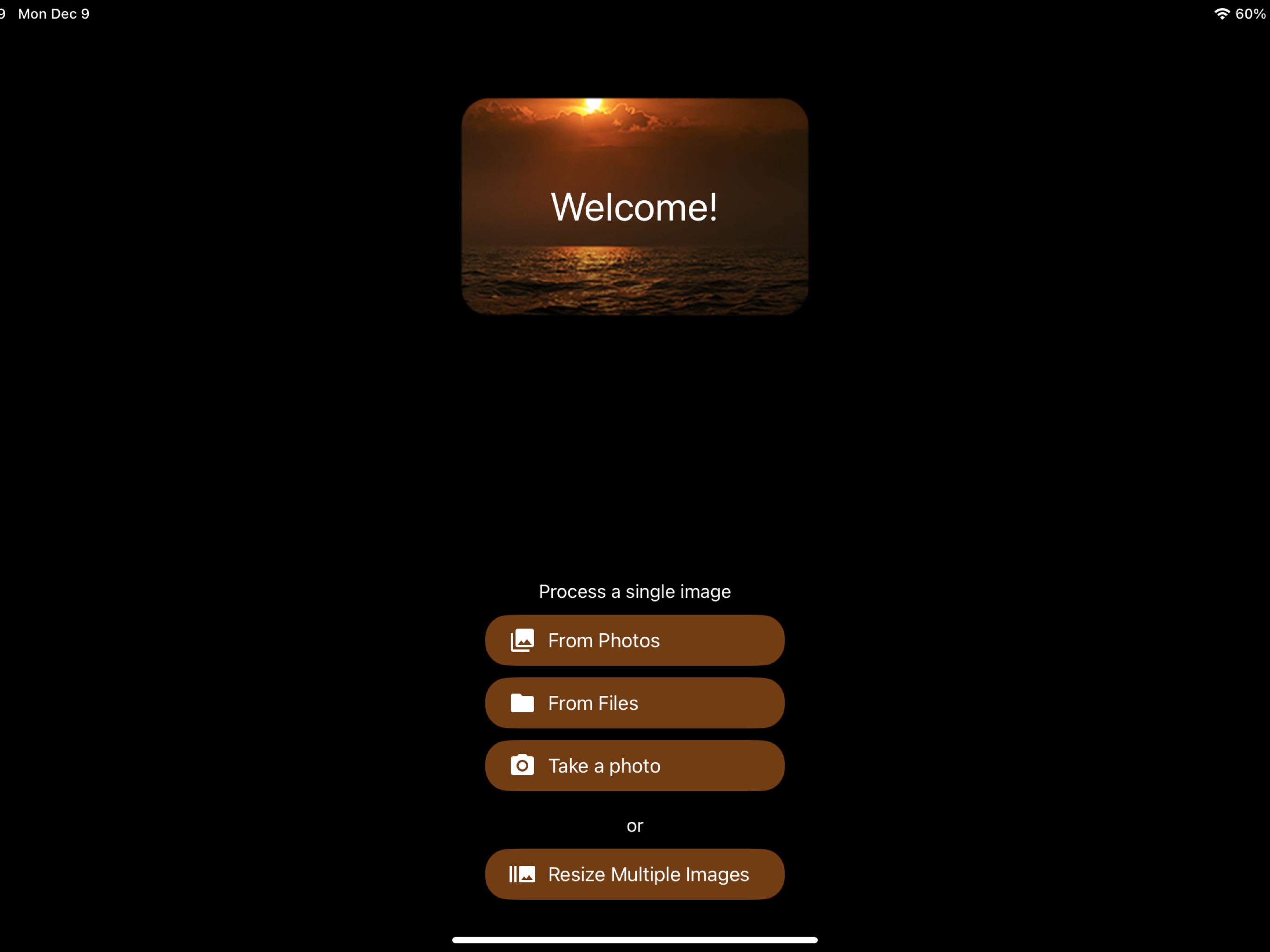
Import from Photos, Files, or Camera

Advanced Resizing Modes
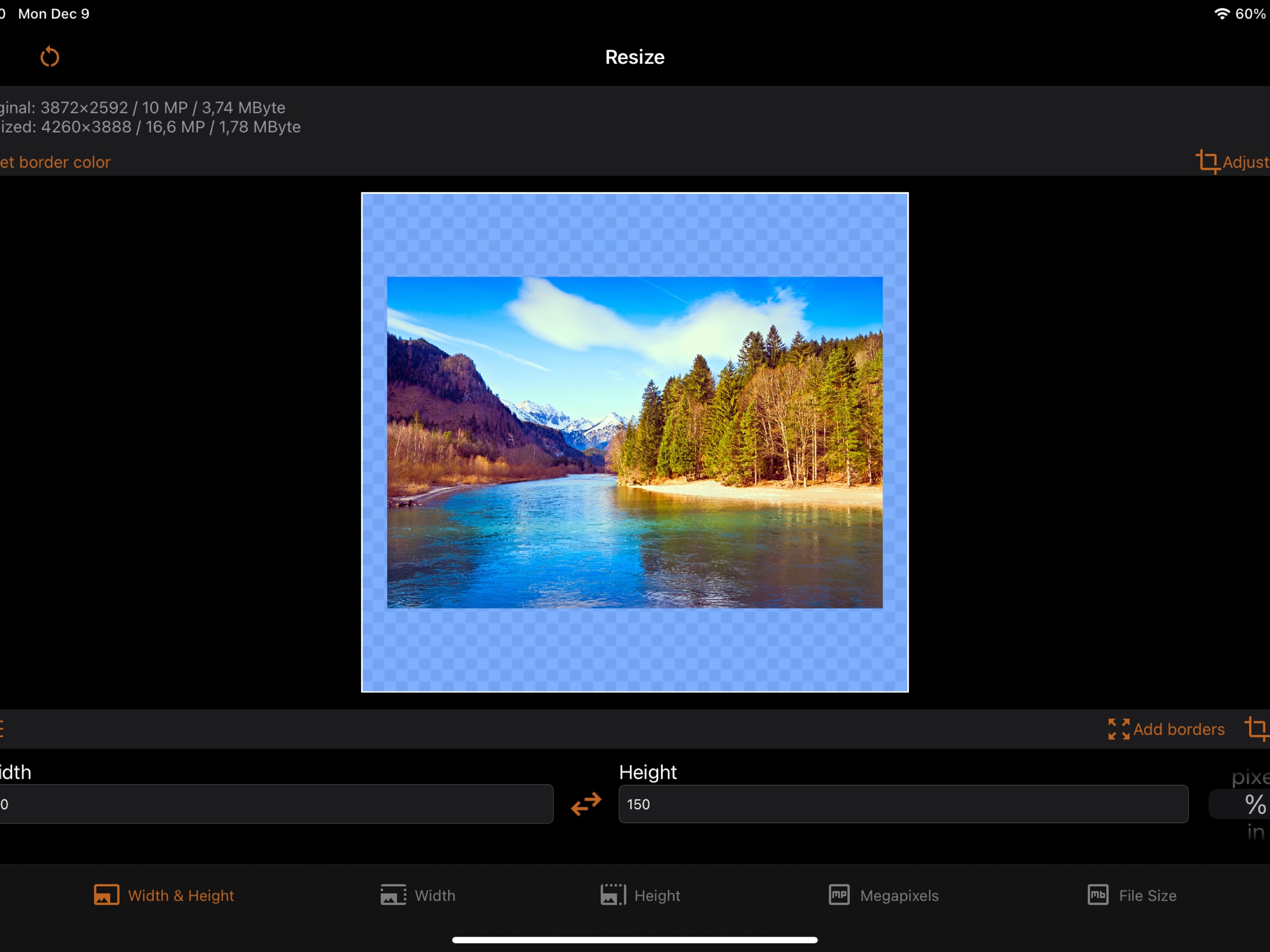
Flexible resizing for every need:
- Define the image width, height, or both.
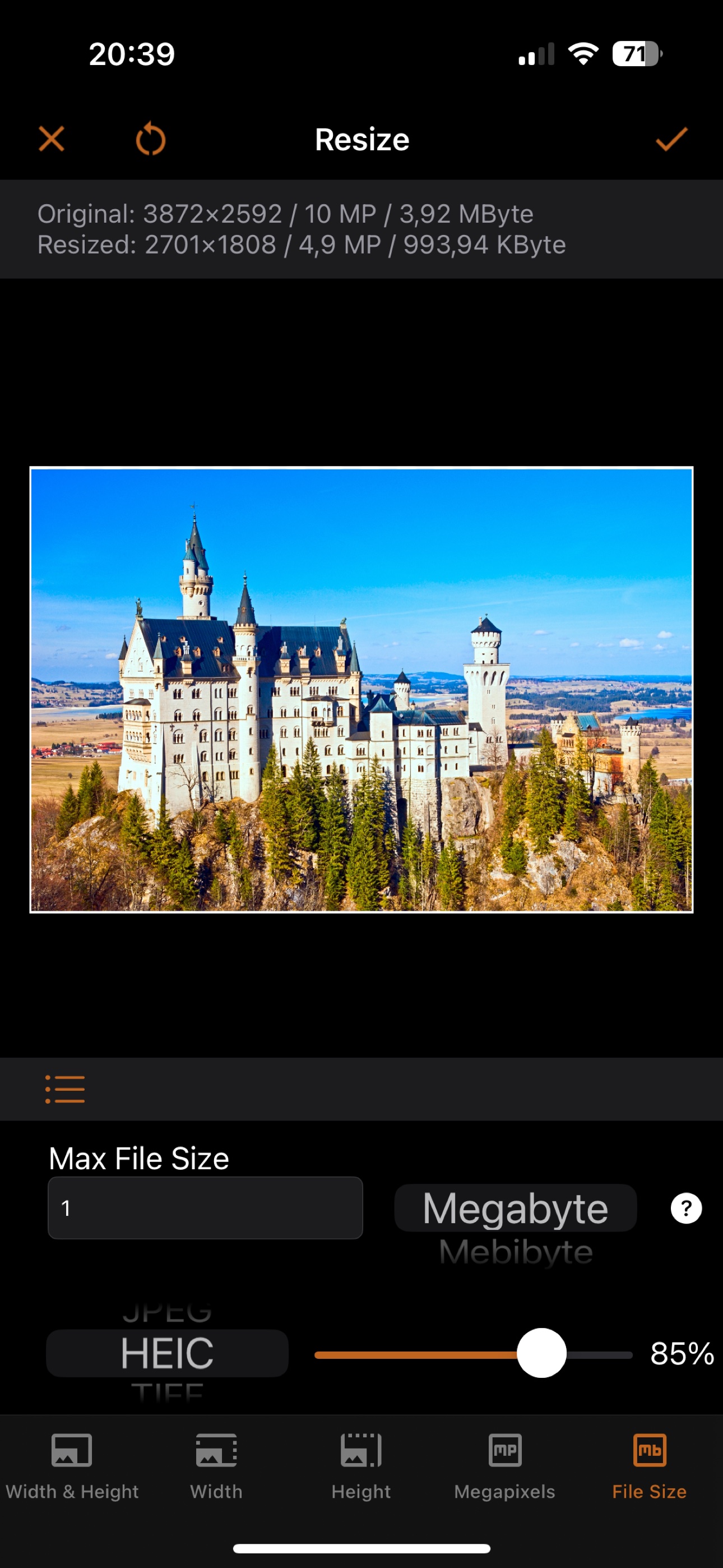
- Define the resolution in megapixels. For example, make a 5-megapixel image.
- Limit the file size. For example, make an image file at most 1 MB.
Choose what happens when the aspect ratio changes: crop, deform, or add borders of any color. And if the image is too small: enlarge it or add borders.

Size Presets, Synced via iCloud

Image Formats
Save images in your preferred format:
- JPEG, HEIC (iPhone 7+), TIFF, PNG, GIF, BMP
Control format-specific settings: compression quality for JPEG and HEIC, lossless compression for TIFF.

Flexible Size Units
Define dimensions in pixels, percent, inches, centimeters, or millimeters. Set print resolution in pixels per inch or per cm. Define file size in MB, MiB, KB, KiB, or bytes.

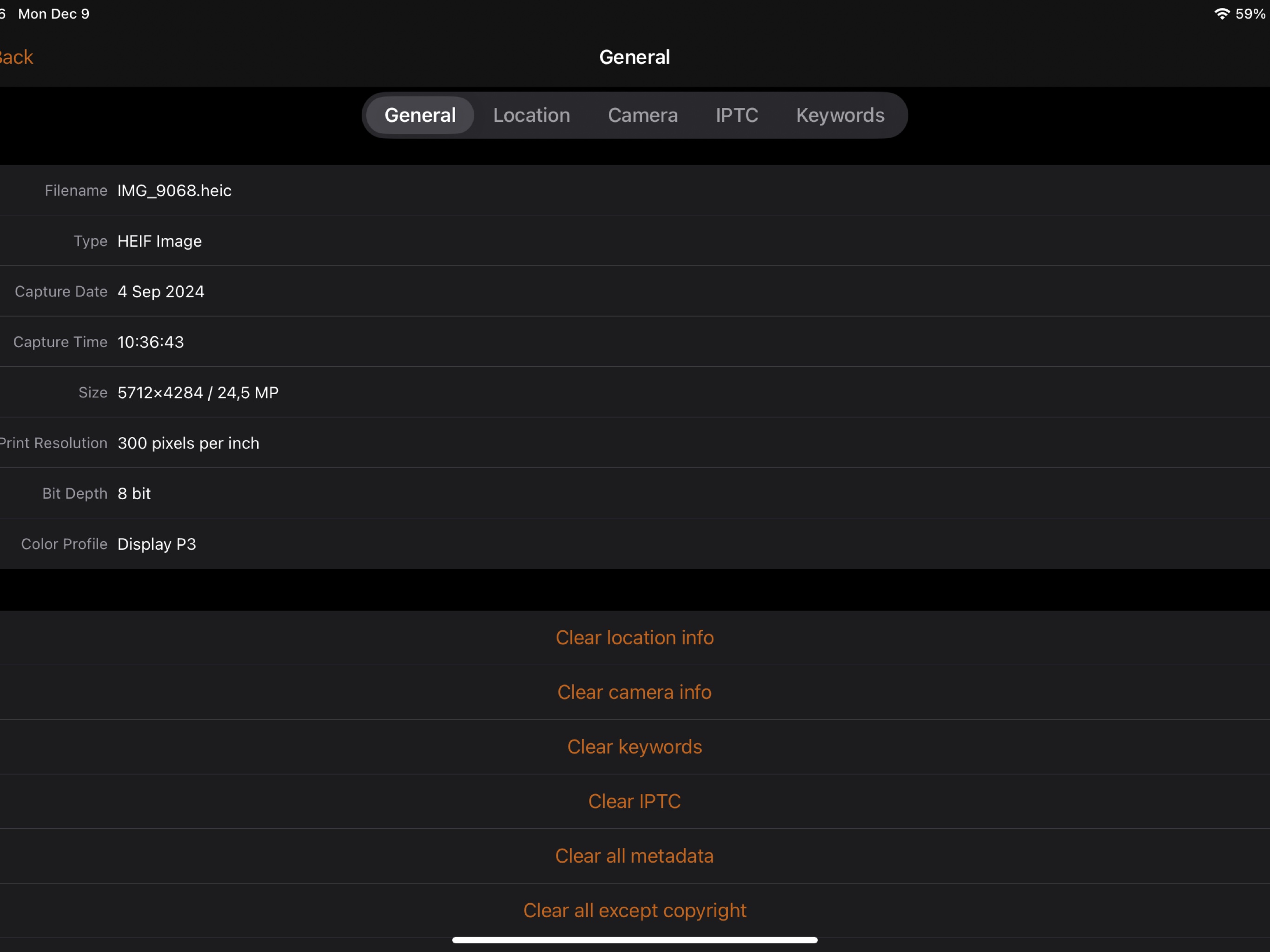
Image Metadata Editor

Image Printing

Transparent Images
iSize Screenshots
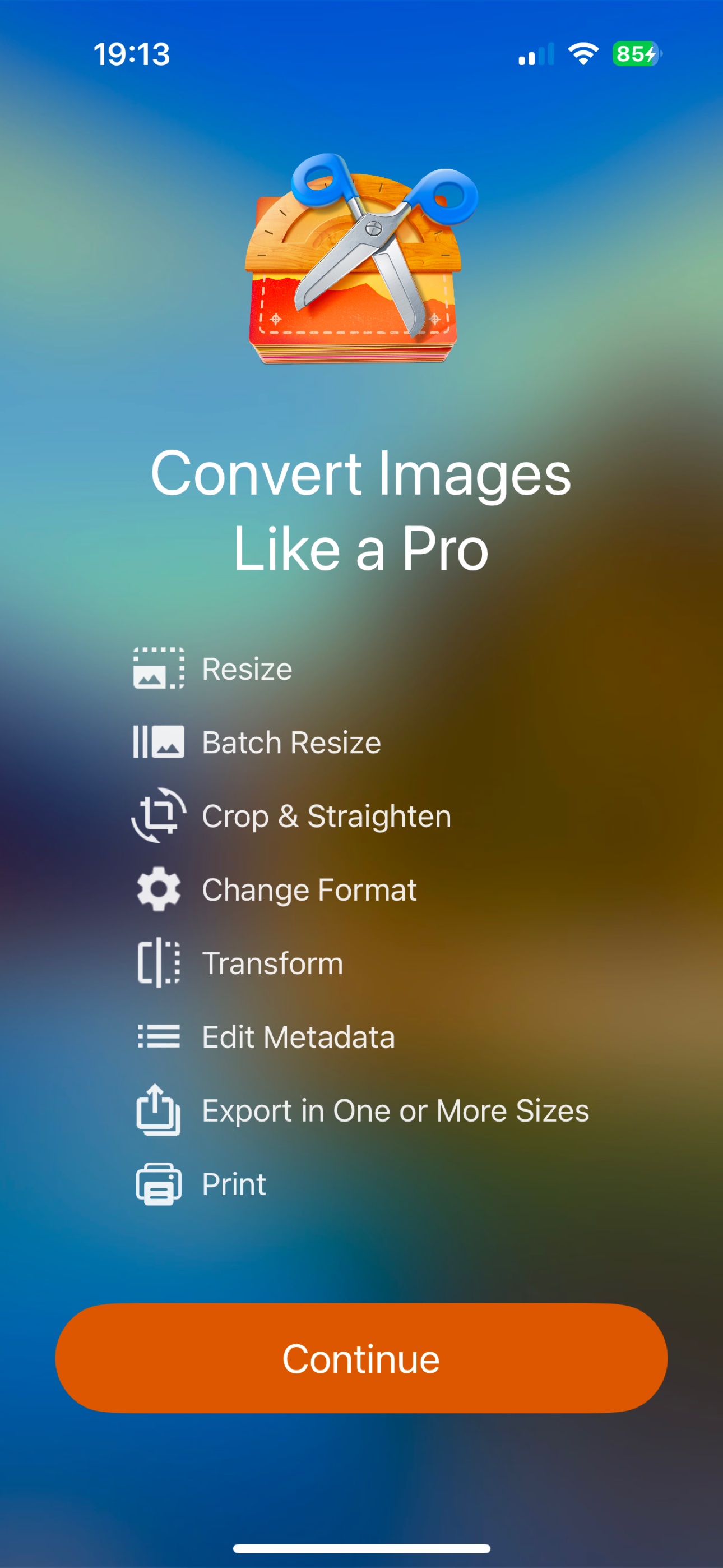
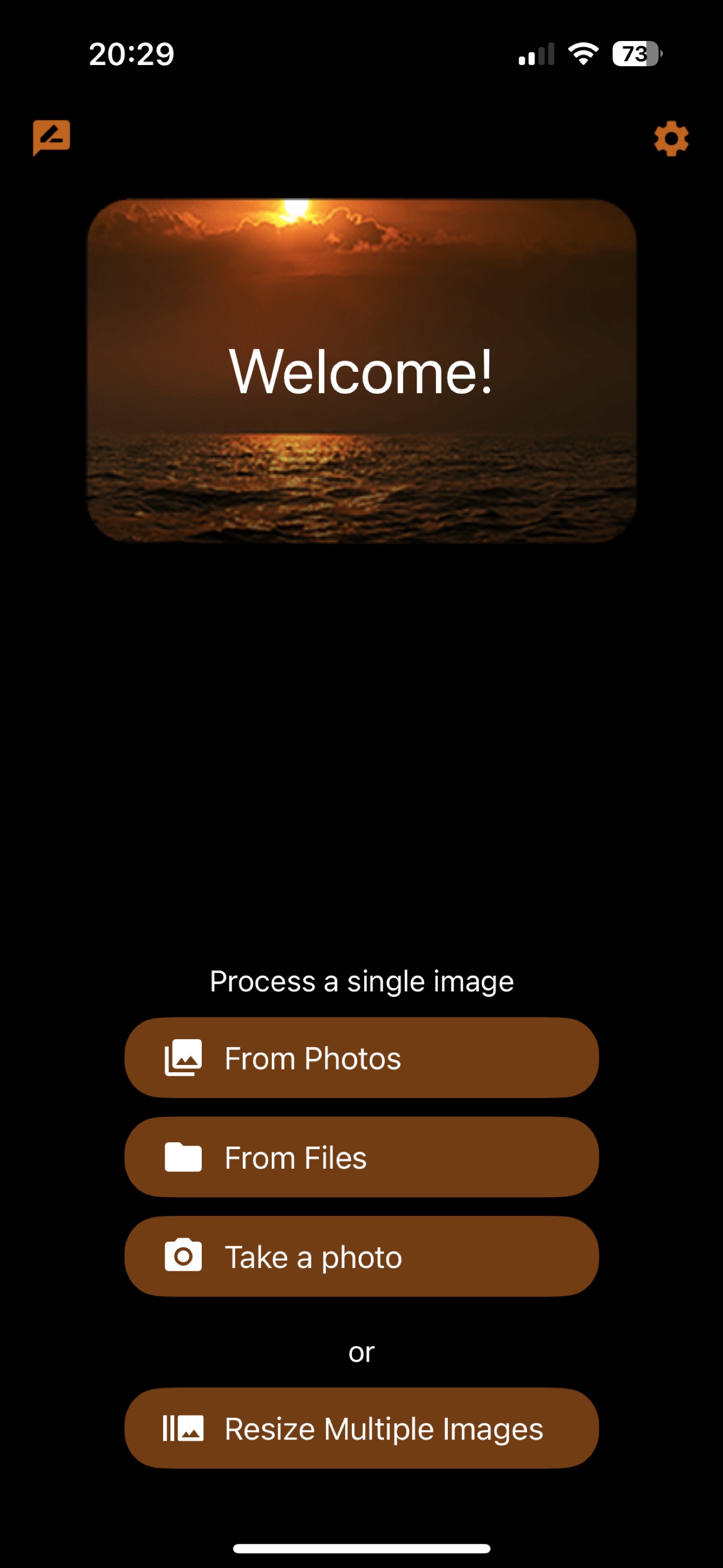
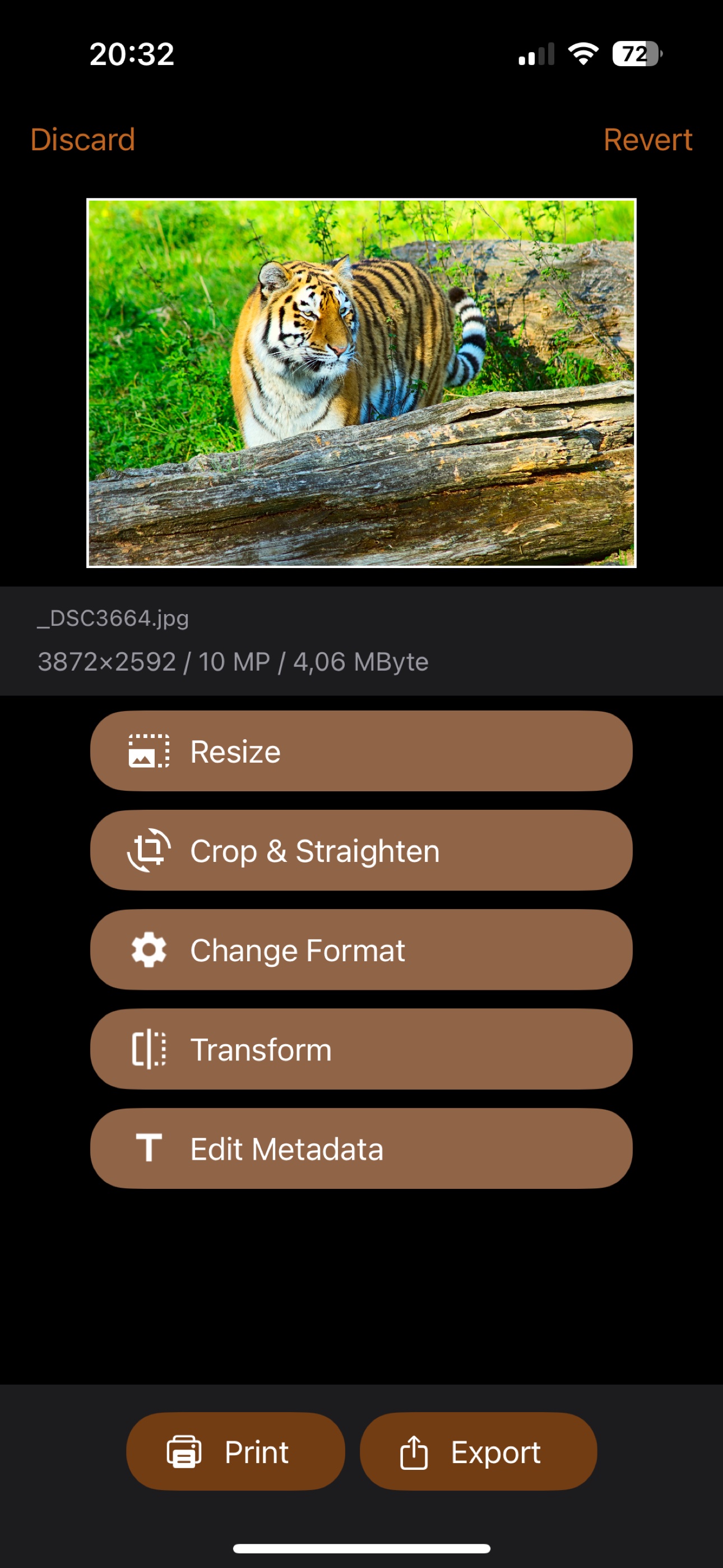
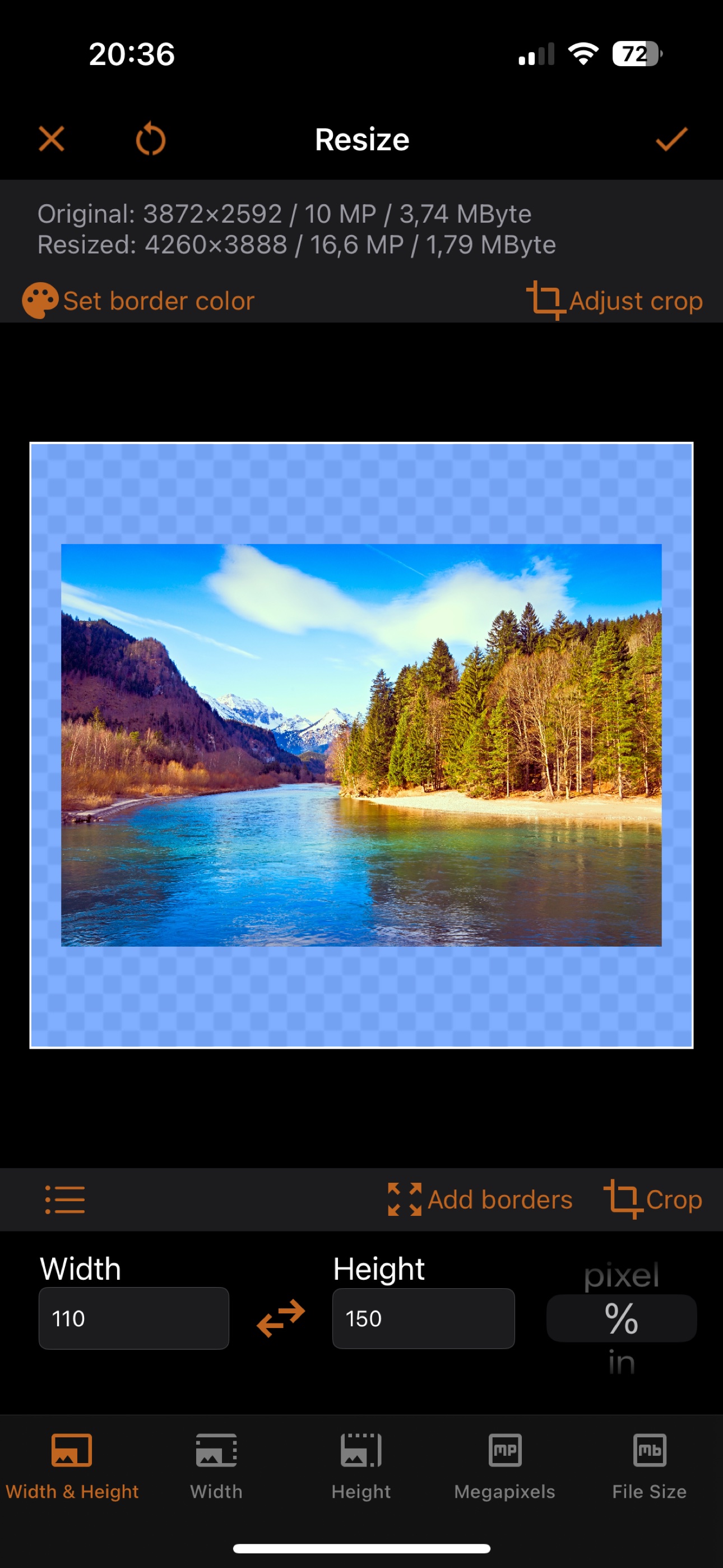
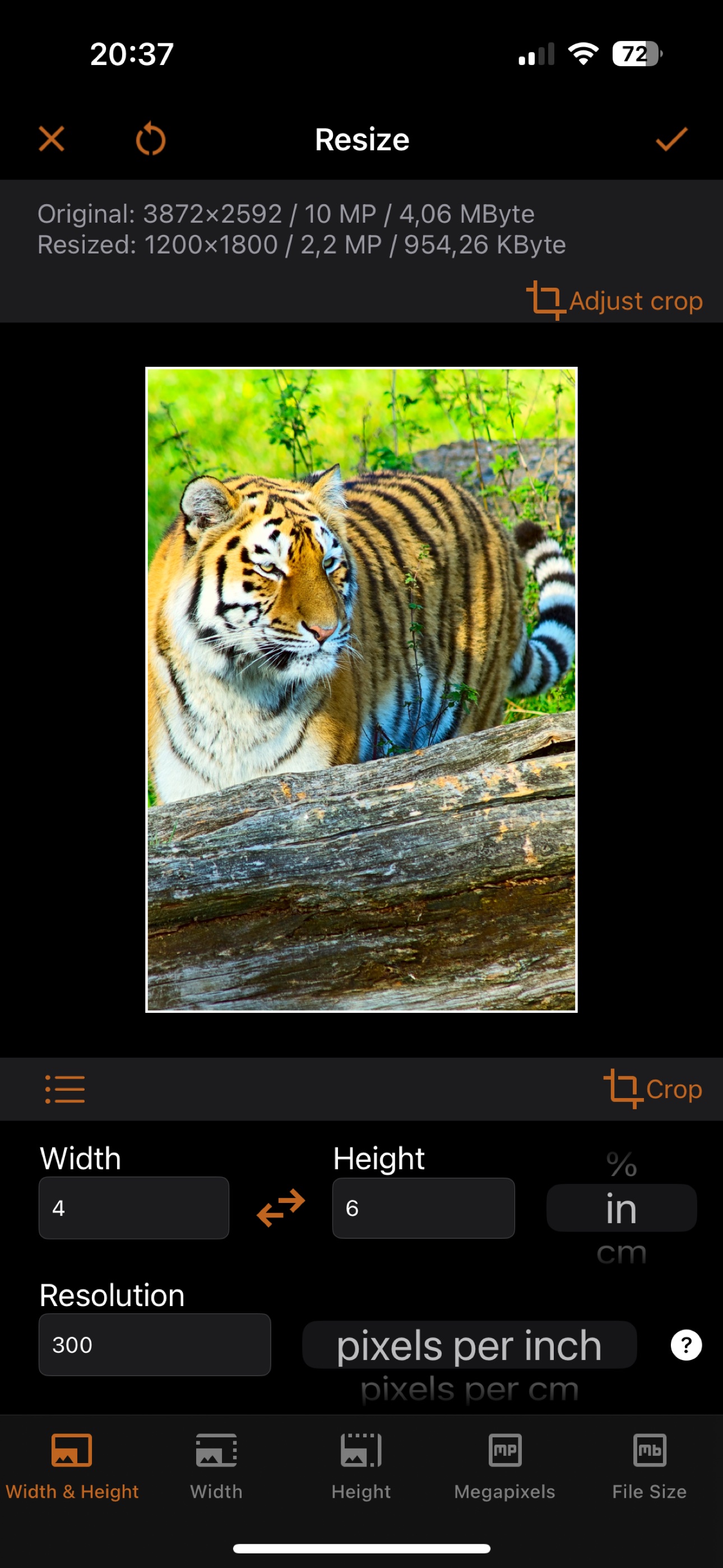
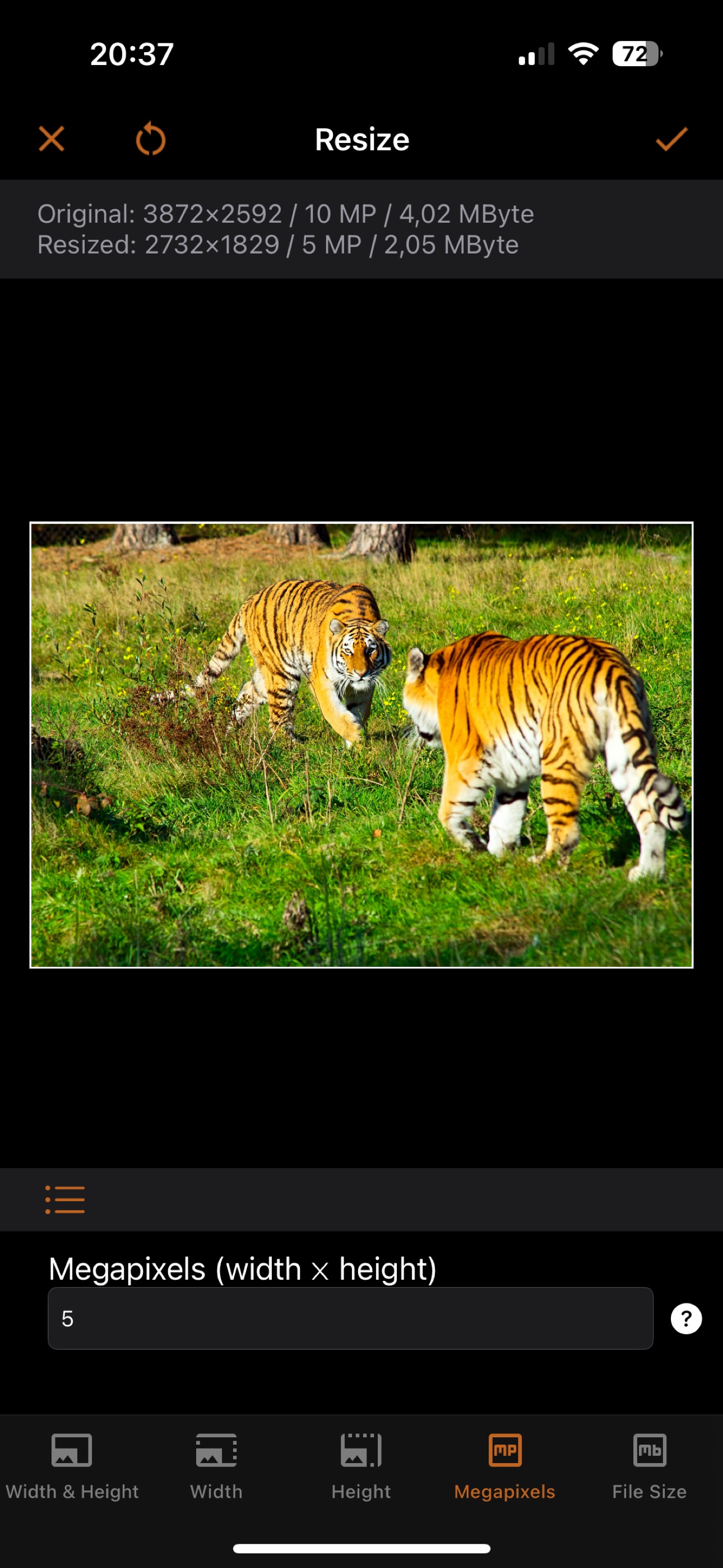
Curious about the details? Read our guides on how to reduce image file size and what megapixels really mean. And if you need the same power on your Mac, check out iBatch, our batch image converter for macOS.
Pricing
iSize is free to download, and you can try it in two ways:
- An unlimited free trial mode, where exported images are watermarked.
- A fully functional free trial for a few days, included with some subscriptions.
Full access is available through subscriptions or a single lifetime purchase.
System Requirements
iSize requires iOS 15.0 or later on iPhone, and iPadOS 15.0 or later on iPad.