

iPick
Compare your photos. Choose the best, get rid of the rest.

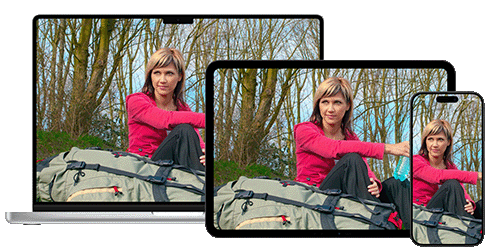
Clean Up Your Photos
iPick is a photo culling app for macOS, iOS, and iPadOS. Put similar shots next to each other and compare them side-by-side: zoom and pan all photos in sync, or jump straight to the faces with a single click to judge expressions, focus, and sharpness. Pick the winners, delete the rest, and reclaim space in your Photos Library, Files, or saved folders. Processing is fast and private, right on your device, and iPick works the same way on Mac, iPhone, and iPad.
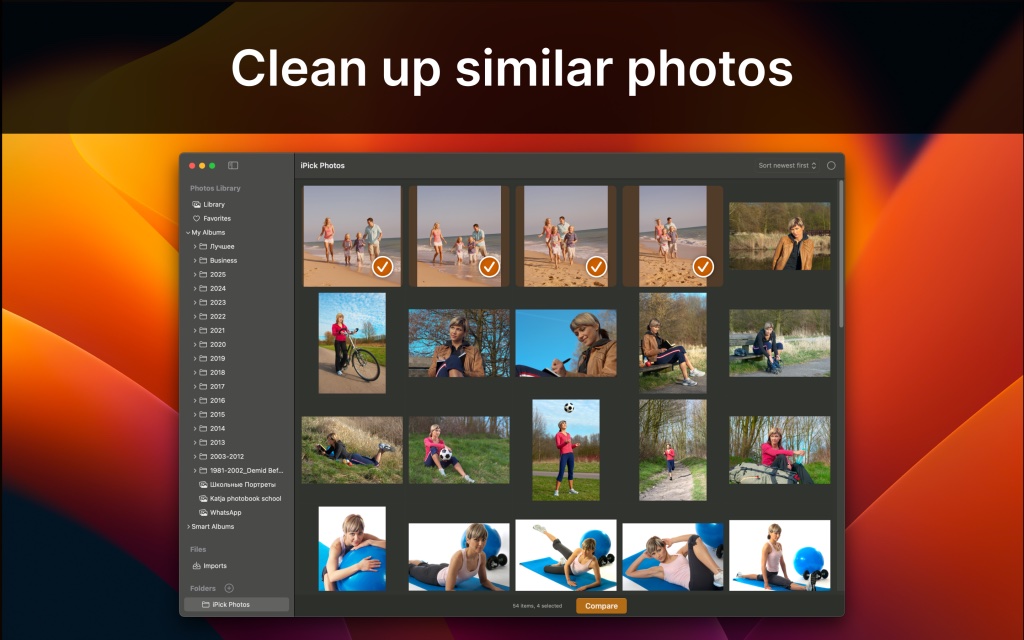
Clean up similar photos
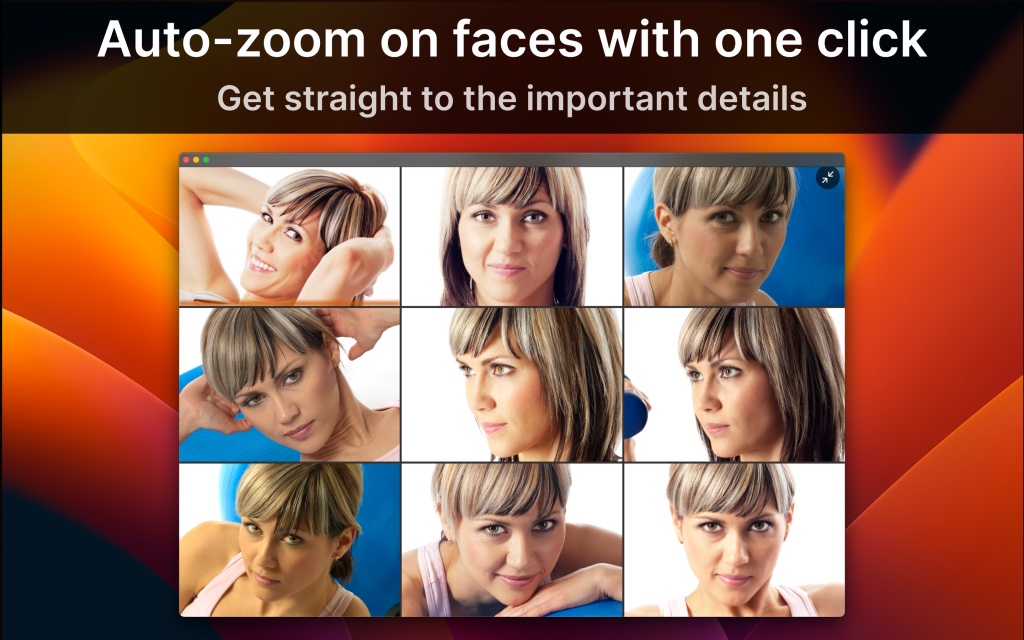
iPick helps you quickly compare similar photos side-by-side and pick the best ones. Zoom, pan, and auto-zoom on faces to spot important details instantly, then delete the rest and clean up your photo library with confidence. Works seamlessly across Mac, iPhone, and iPad.
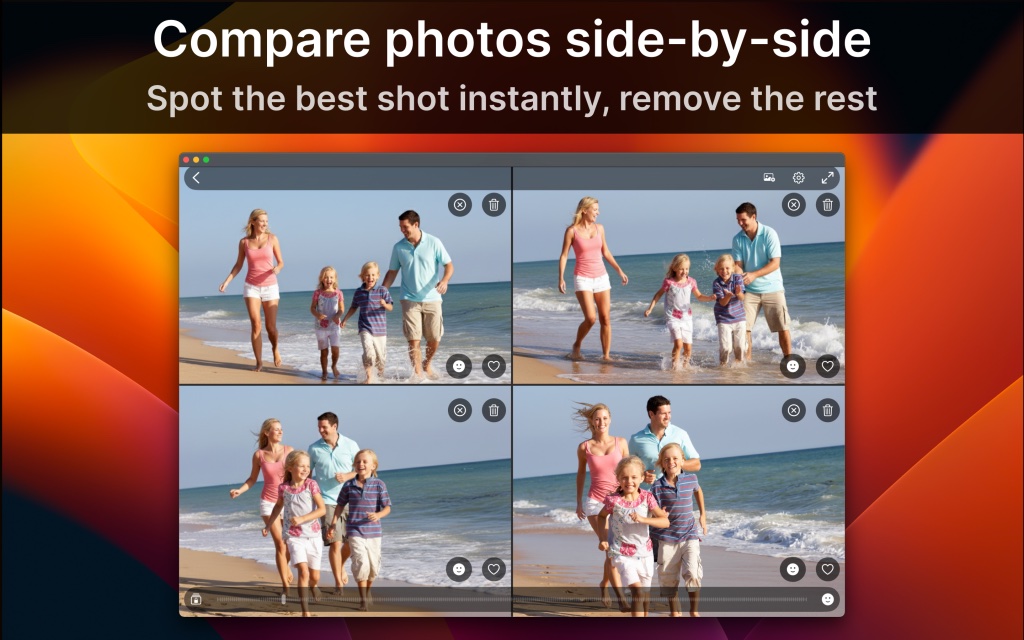
Compare photos side by side
View similar photos next to each other to instantly see which shot looks best: people look better, expressions are nicer, or clarity is higher. Quickly decide what stays and what goes.
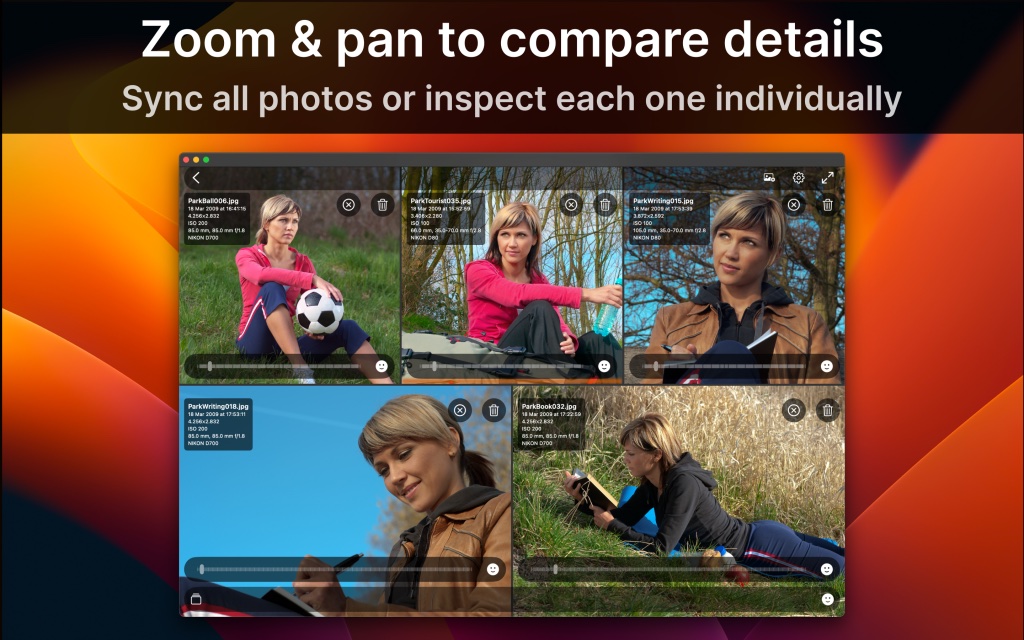
Zoom and pan in sync
Zoom all compared photos in sync or inspect each one individually. iPick makes it easy to spot subtle differences — smiles, eyes, expressions, focus, sharpness, and more.
Auto zoom on faces
One click brings every photo to the face area, helping you quickly compare expressions and clarity. Another click jumps to the next face. A fast way to find photos where people look their best.
Clean up your photo library fast
Pick your favorites and remove the rest. iPick helps you declutter your Photos Library, Files, or frequently used folders in just a few minutes.
Works with all your photos
Open images directly from:
- Photos Library
- Files
- Saved folders
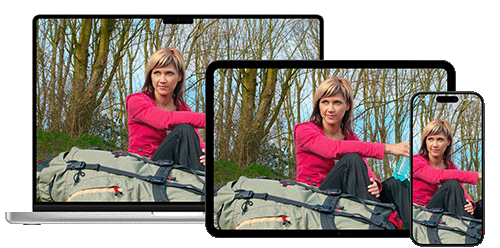
Available on all your devices
Use iPick on:
- Mac
- iPhone
- iPad
Designed for speed, clarity, and simplicity
Your selections stay where you made them, and processing is fast and private on your device. iPick keeps the interface clean and intuitive so you can focus on what matters most: choosing the perfect shot.
Tip: once you have picked the winners, adjust them and process RAW with Photo Sense, our photography workflow app. And for shooting and editing advice, browse our Photography Guide.
Pricing
iPick is free to download, and you can try it in two ways:
- An unlimited free trial mode, where rejected photos cannot be deleted.
- A fully functional free trial for a few days, included with some subscriptions.
Full access is available through subscriptions or a single lifetime purchase.
System Requirements
iPick requires macOS 14.0 (Sonoma) or later on Mac, and iOS 17.0 / iPadOS 17.0 or later on iPhone and iPad.