

SlideFlow
Create beautiful photo and video slideshows on Mac, iPhone, iPad, and TV.

Photo & Video Slideshow Maker for Mac, iPhone, and iPad
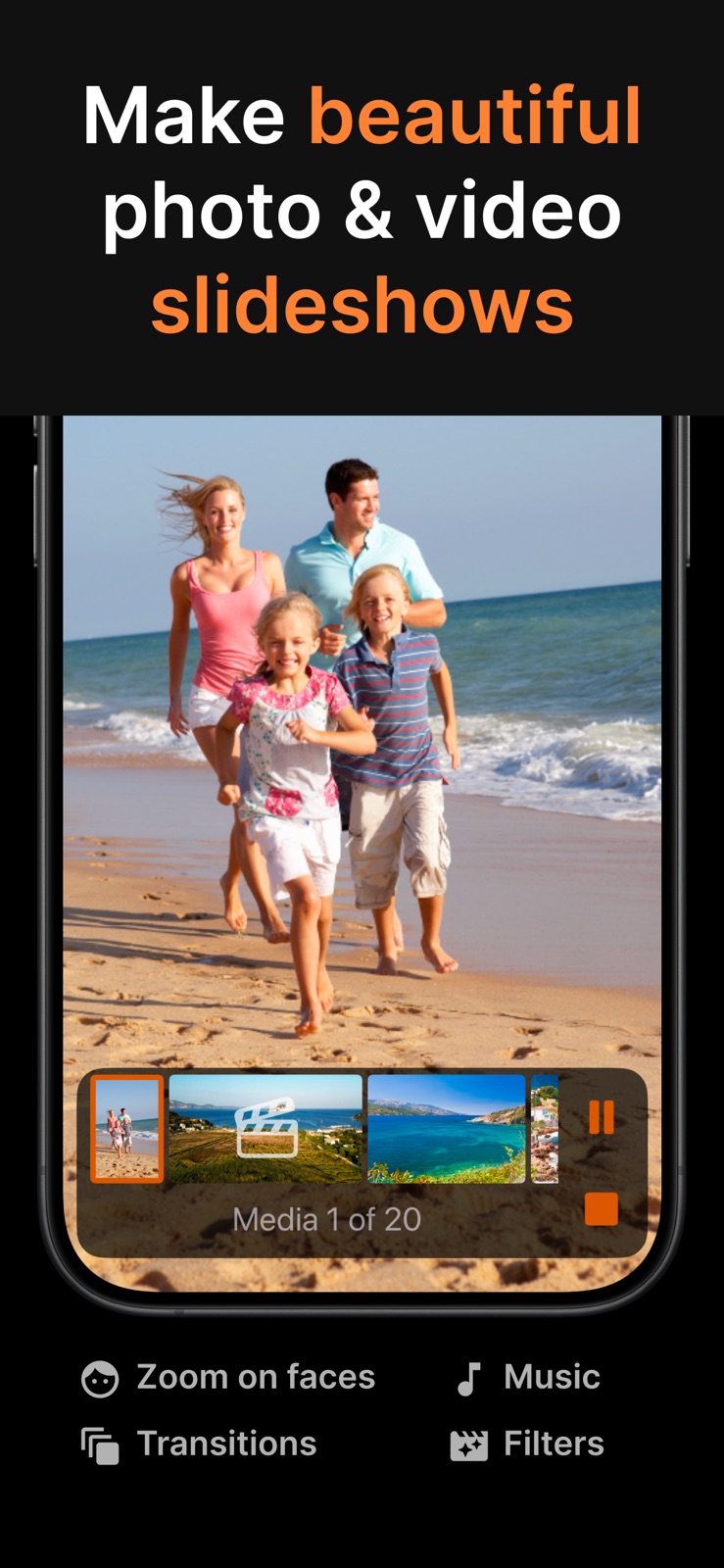
Enjoy your photos and videos like never before! SlideFlow turns them into stunning, animated slideshows. Whether you’re creating family memories, travel videos, business presentations, or social media posts, SlideFlow helps you produce professional-looking slideshows in minutes.
- ✨ Create breathtaking photo & video slideshows in seconds, effortlessly.
- 🖥️ Watch instantly on your Mac, iPhone, and iPad.
- 📺 Cast slideshows, photos, and videos straight to your TV.
- 💌 Share your memories with family and friends.
- 🔀 Shuffle for a different slideshow every time – even on every loop.
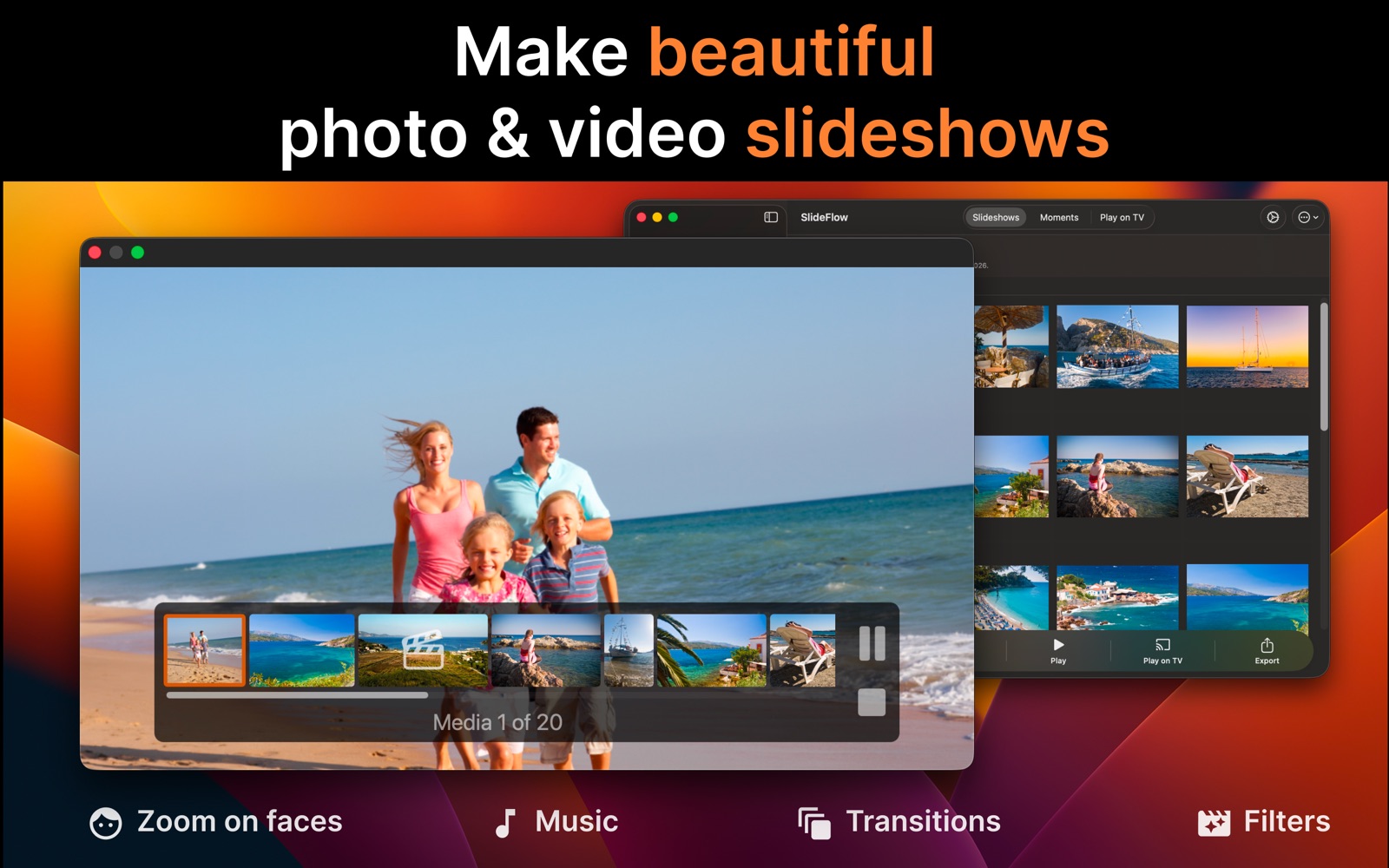
SlideFlow is a photo and video slideshow maker for macOS, iOS, and iPadOS. Unlike traditional slideshow makers that first render a video, SlideFlow generates the slideshow on the fly, so playback starts almost immediately. Start watching your slideshow within seconds on your Mac, iPhone, iPad, or even your TV.
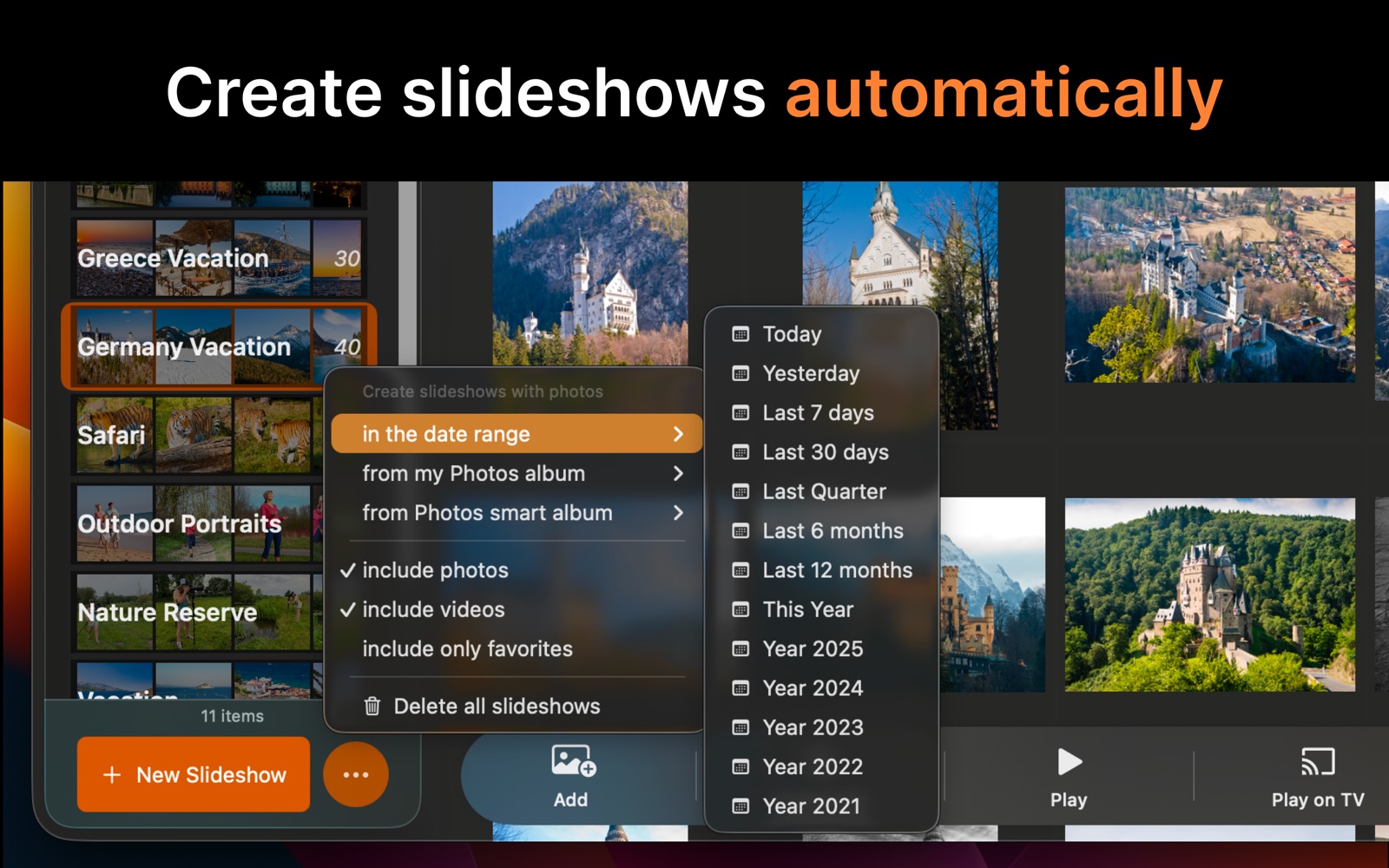
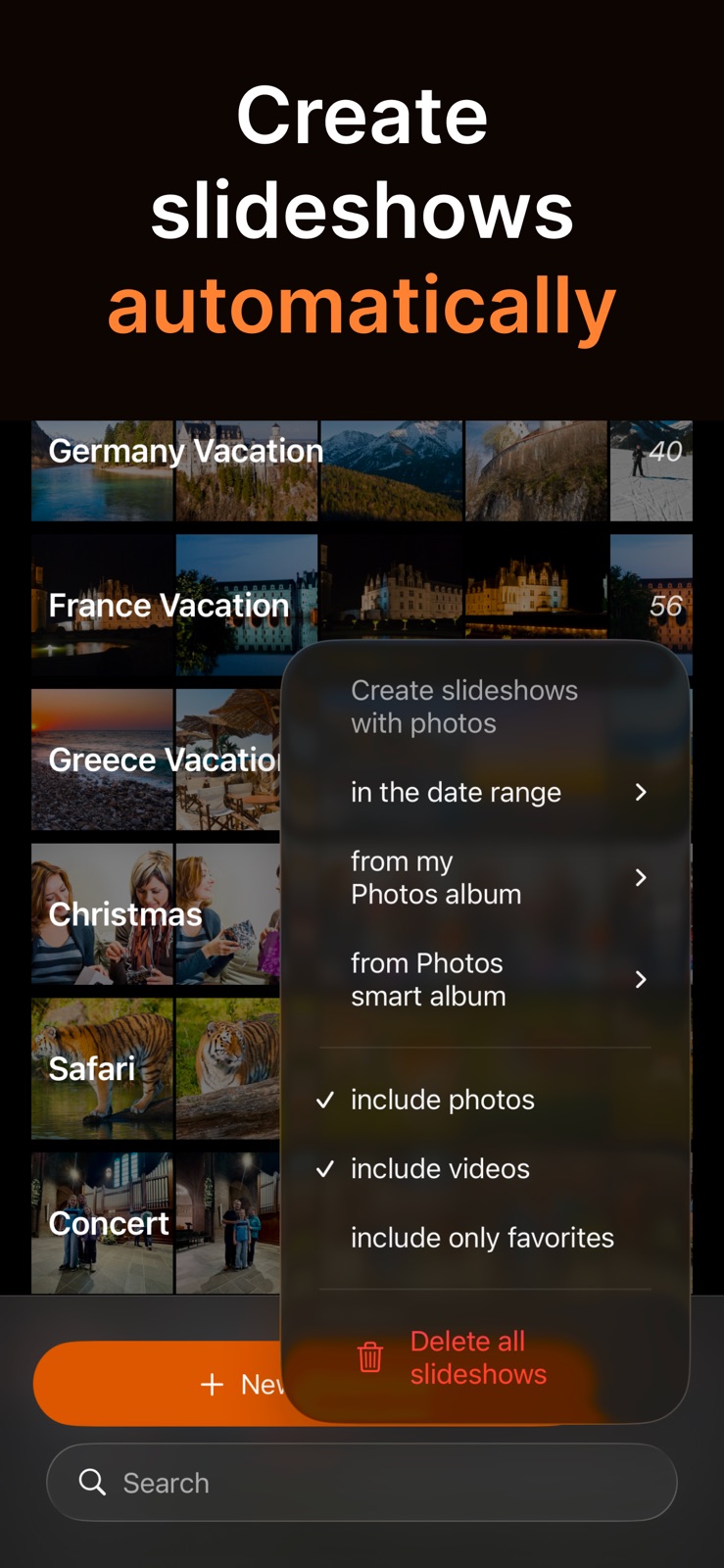
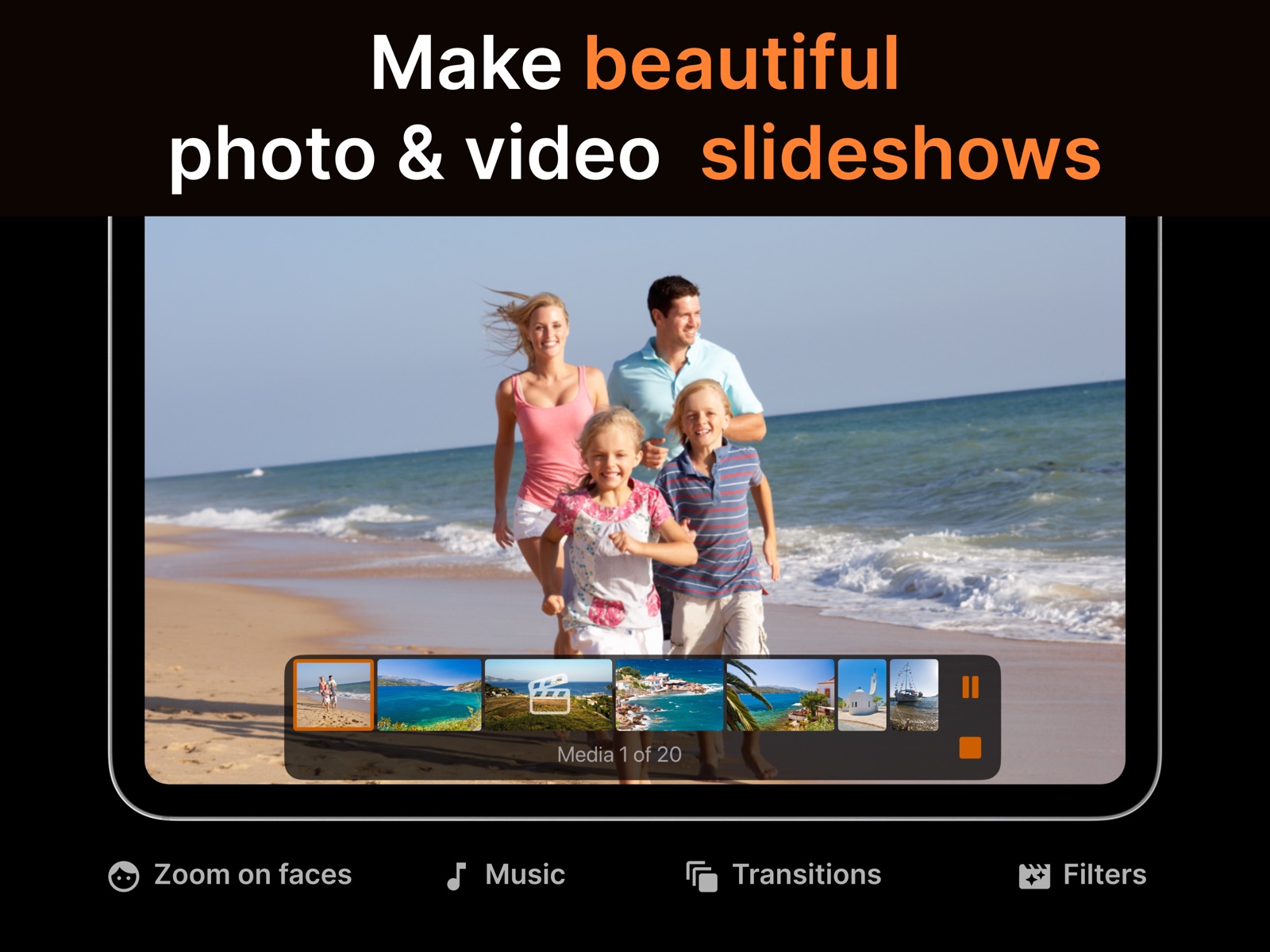
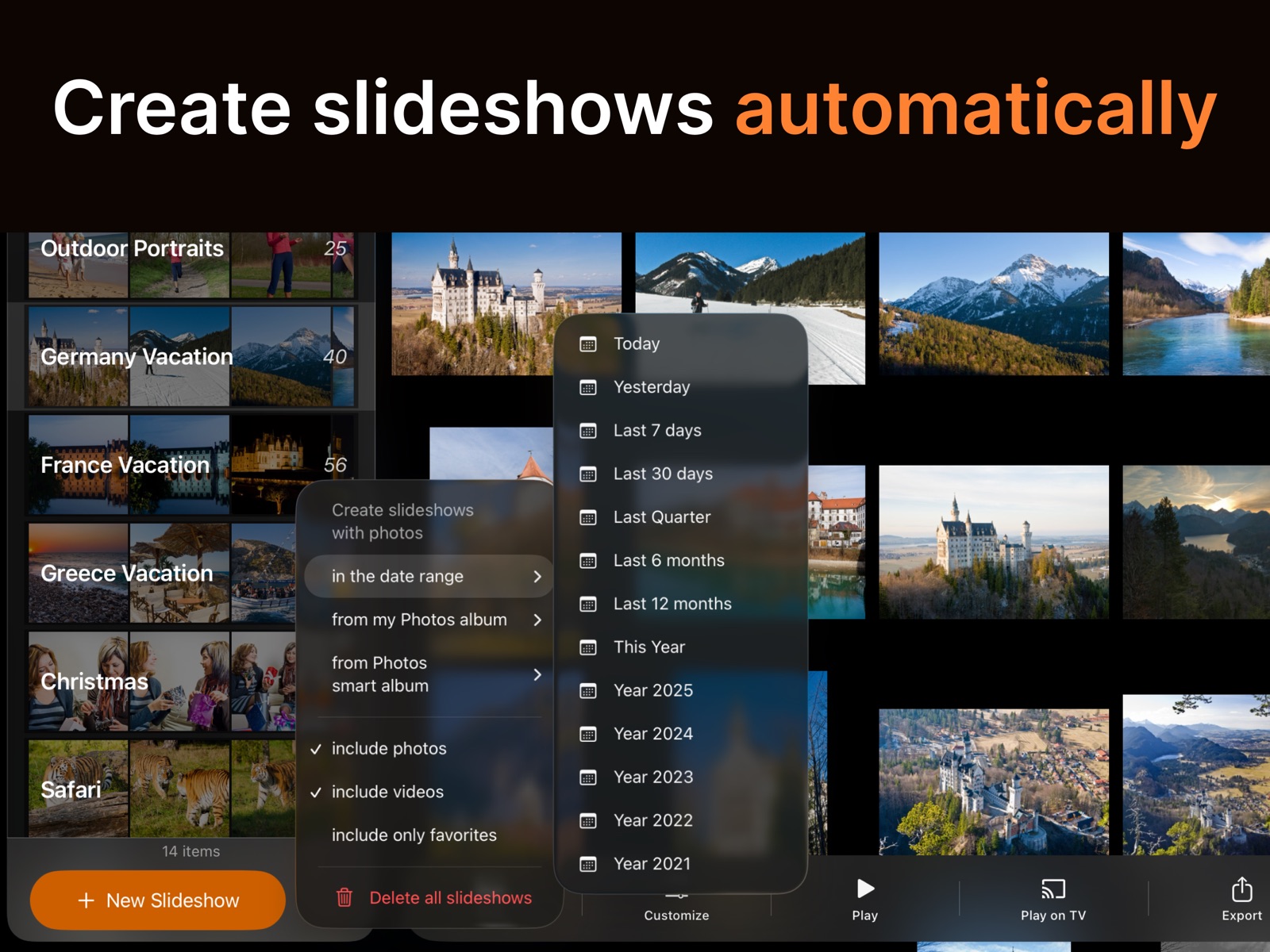
Build slideshows from Apple Photos, image and video files, or whole folders, mix photos and videos freely, or let SlideFlow automatically discover your memories and create slideshows based on when and where your photos and videos were captured. Create photo and video slideshows with music, smooth transitions, creative filters, and intelligent animations that zoom in on faces and subjects.
Turn the shuffles on and no two viewings are the same: SlideFlow varies the order, the transitions, the filters, and the music as the slideshow plays, so the same slideshow feels different every time you watch it, and on every loop. Leave one running on your TV at a family gathering and it never quite repeats itself. It is also a way to see your own photos again – a familiar holiday shot arriving in Noir shows you the composition rather than the memory. And because the effects are applied during playback, nothing is ever re-saved: your library keeps one untouched original instead of an edited copy for every style.
Create a beautiful slideshow in seconds using SlideFlow’s carefully designed default settings. When you want more control, customize your slideshow at every level – from overall style and timing to the settings of individual photos and videos.
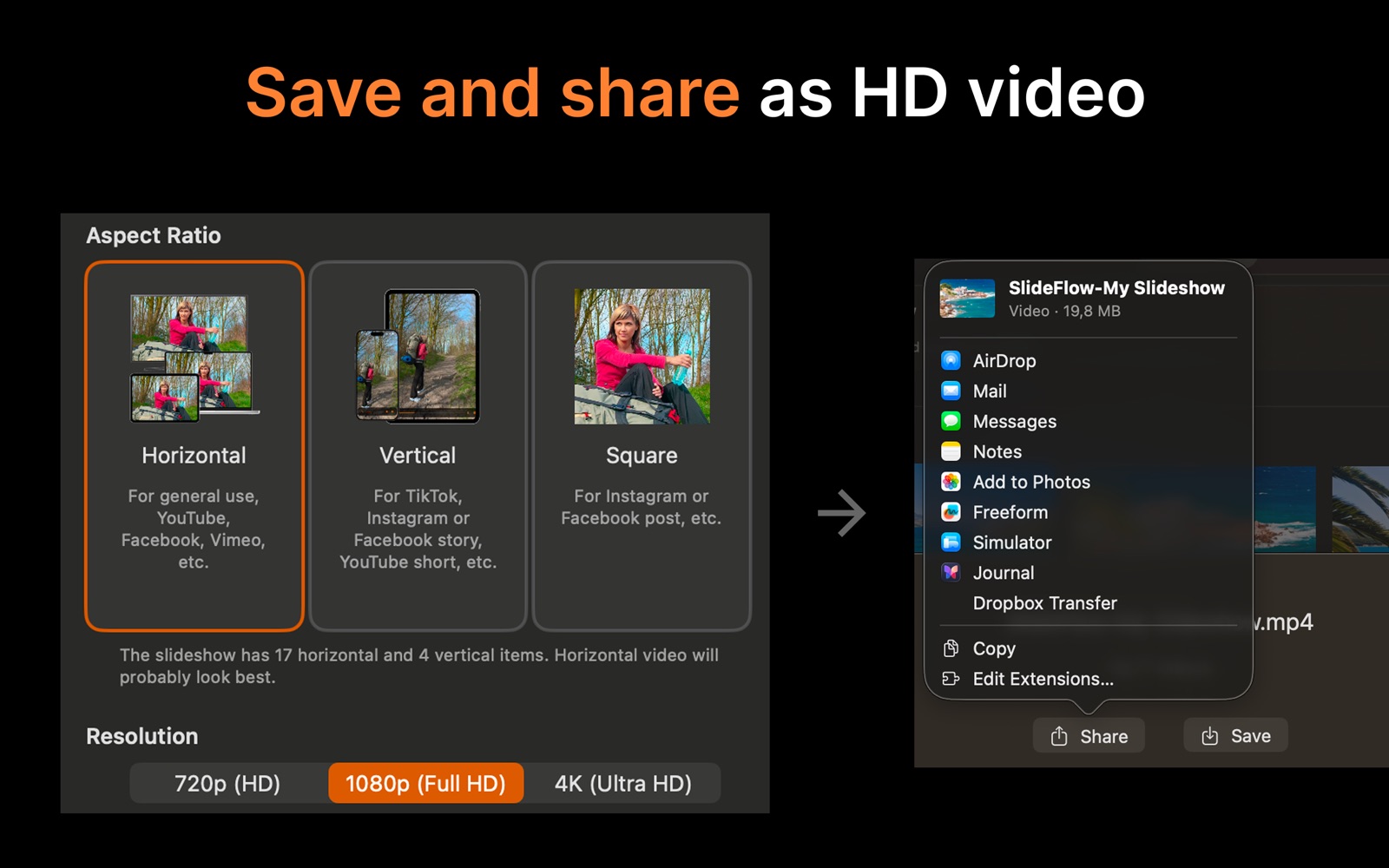
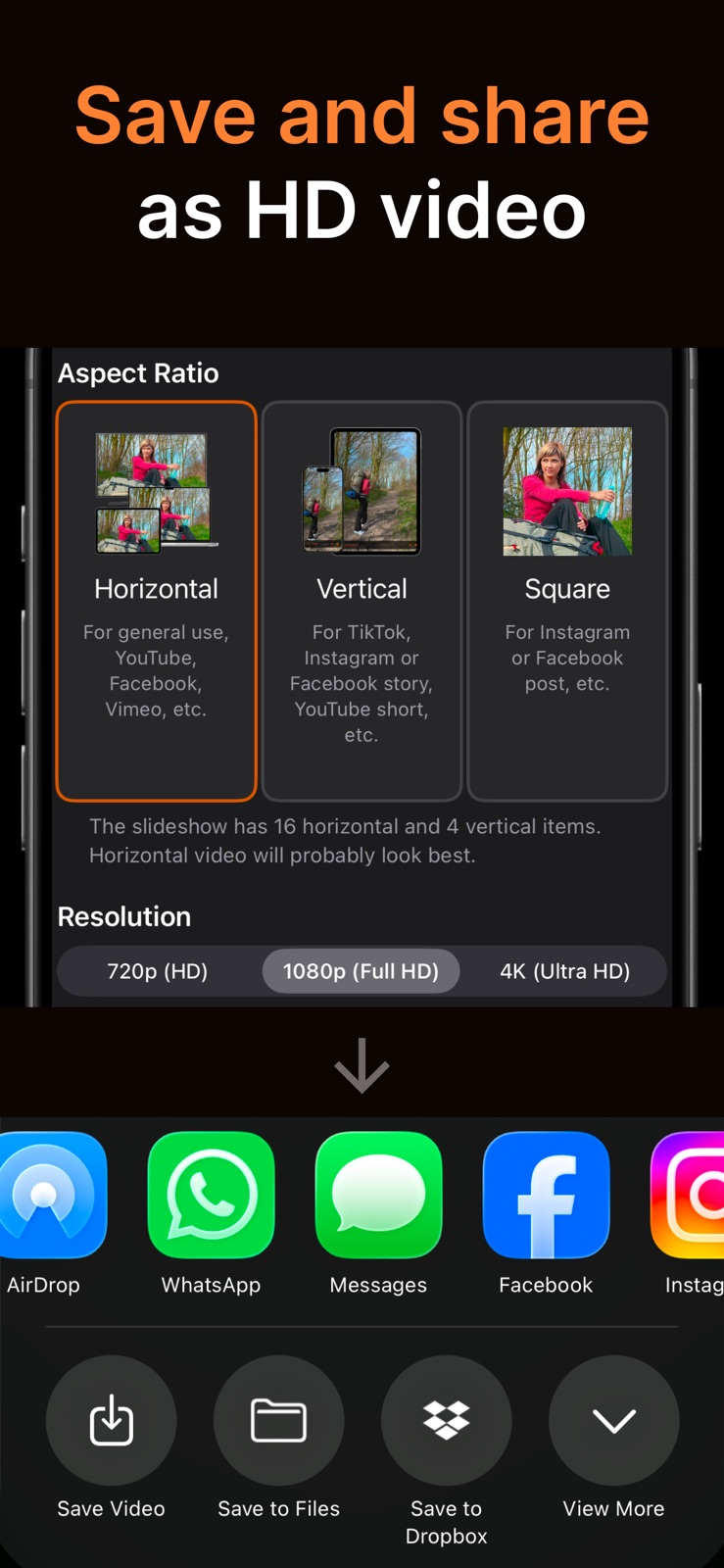
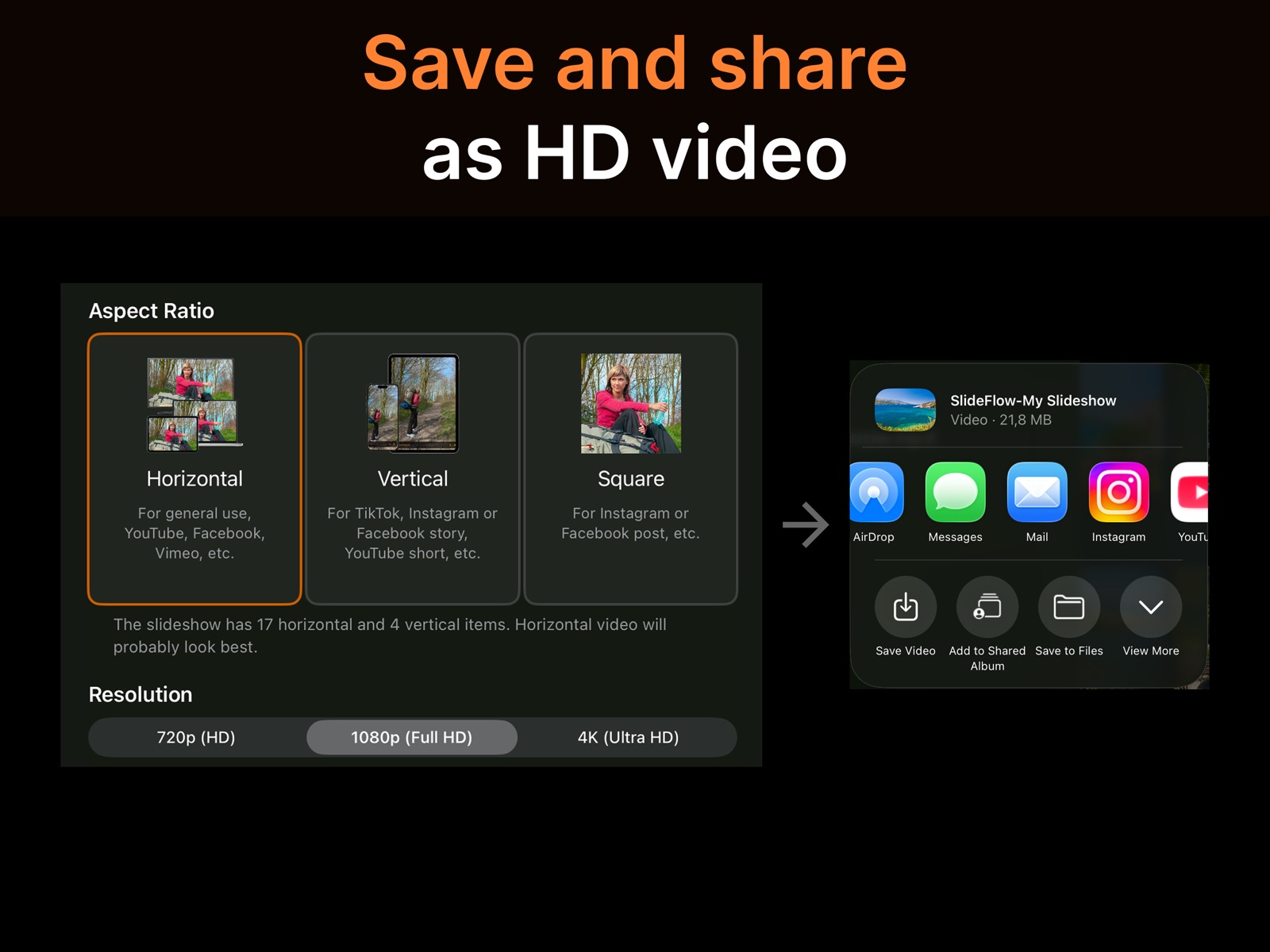
When you’re ready to share, export your slideshow as a video in 720p, 1080p, or 4K, in horizontal, vertical, or square format. Perfect for sharing on YouTube, Instagram, TikTok, and other social media platforms.
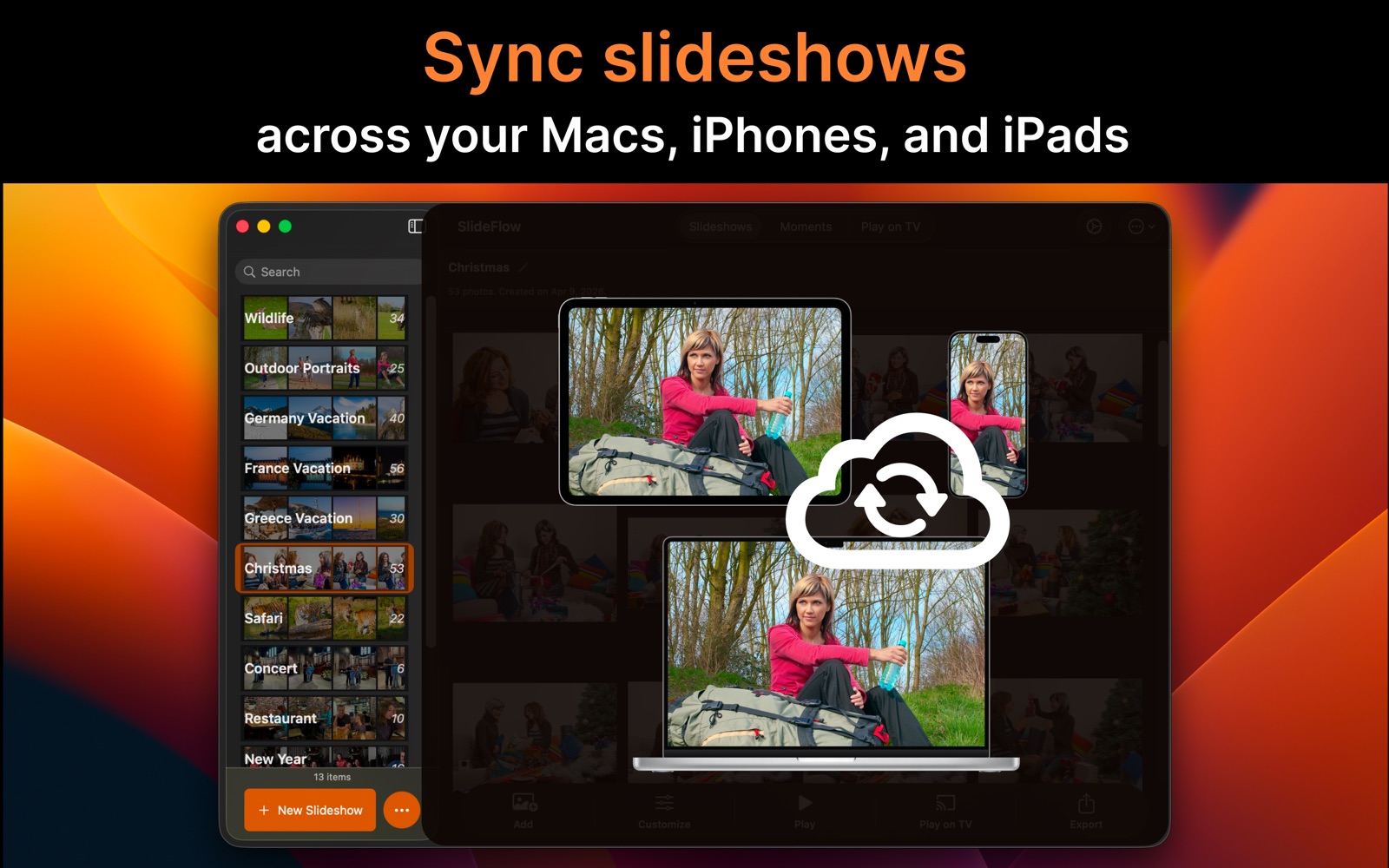
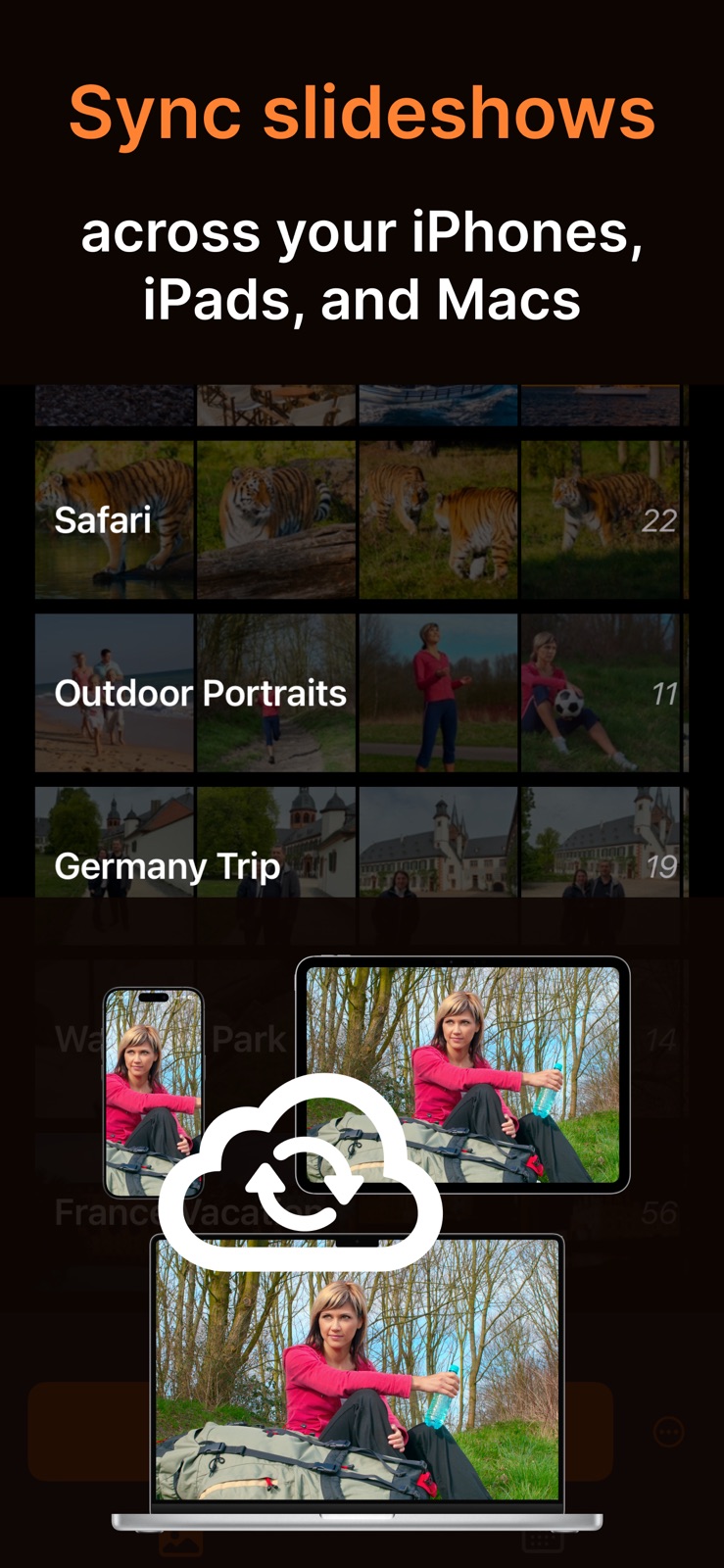
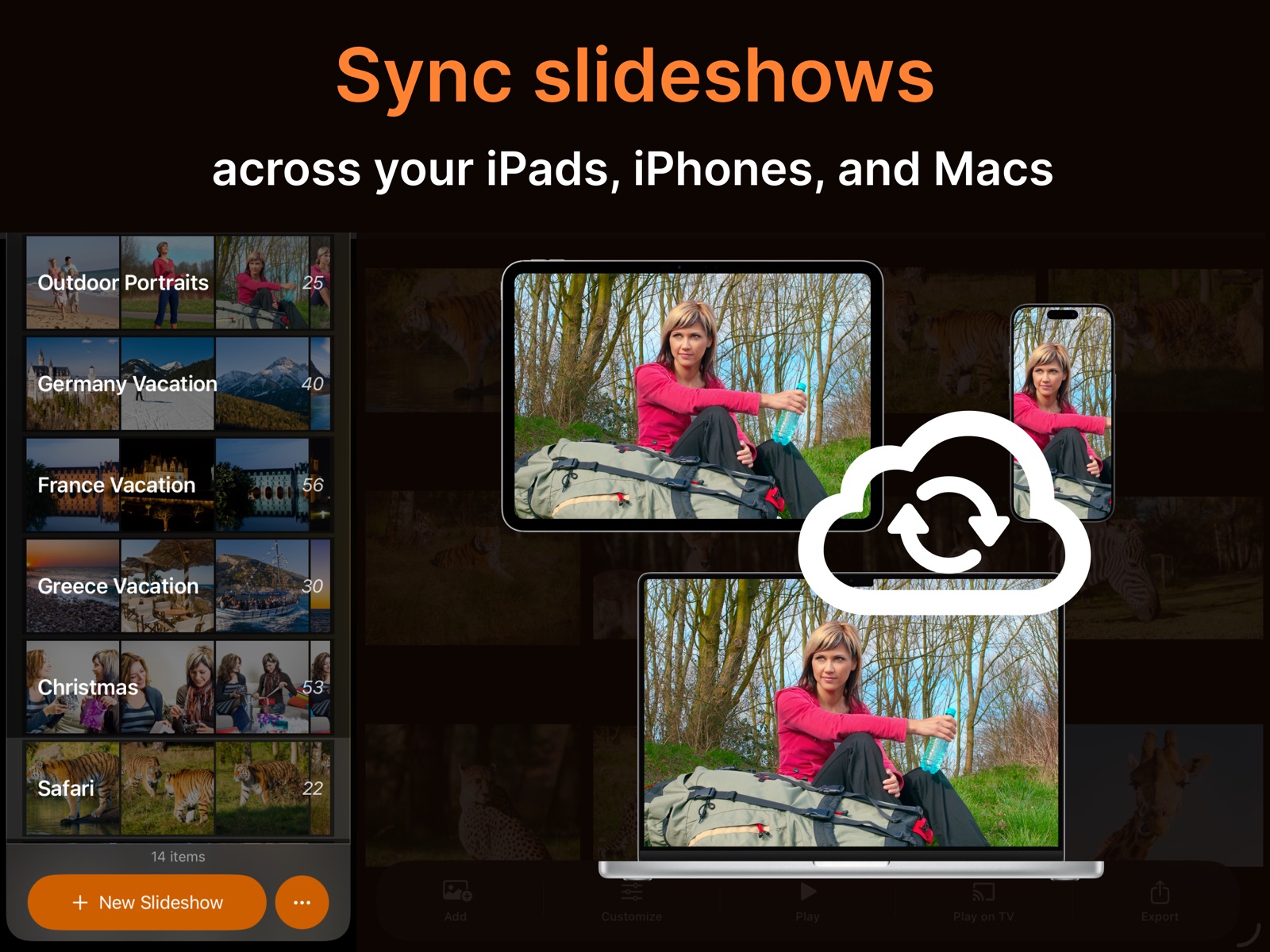
Your slideshows sync across your Apple devices with iCloud, and you can play them on compatible DLNA smart TVs over your local network – no cable, no account, and nothing to install on the television. SlideFlow is free to download and try for as long as you like, with full access via subscriptions or a one-time lifetime purchase.
Easy as 1-2-3
Add photos and videos
Or let SlideFlow automatically create slideshows for you.
Customize (optional)
Choose transitions, animations, timing, music, etc.
Or simply use SlideFlow’s built-in settings and adjust them anytime.
Enjoy your slideshow!
Watch anywhere, cast to TV, or export & share as video.

Prefer a walkthrough with screenshots? Follow our tutorial for Mac or iPhone and iPad.
Powerful Features

Instant Slideshow Playback
SlideFlow generates your slideshow on the fly, so it starts playing almost immediately – no more long waits for video generation.

Advanced Export
Export or share your slideshows as MP4 videos:
- Horizontal, vertical, or square – sized for YouTube, Instagram, TikTok, and more.
- 720p (HD), 1080p (Full HD), or 4K (Ultra HD) resolution.
- H.264 or HEVC encoding, balancing quality and file size.

Play Slideshows on TV
Many DLNA-capable TVs are supported. Simply connect your iPhone, iPad, or Mac to the same local network as your TV via Wi-Fi or Ethernet, and you’re ready to go.

Cast Photos and Videos to TV
Beam any photo or video to your TV – not just slideshows! Instantly share favorite moments in stunning fullscreen.

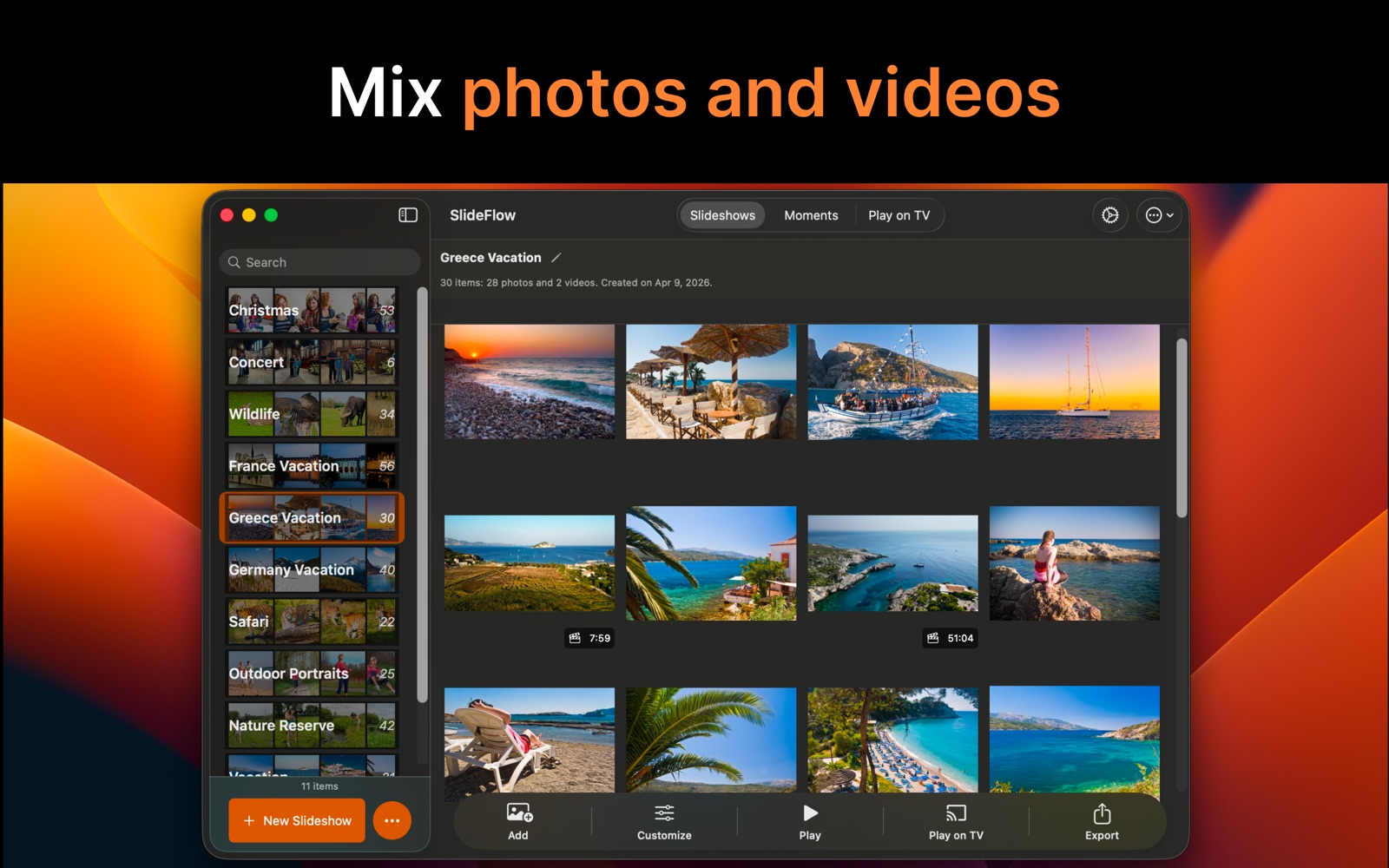
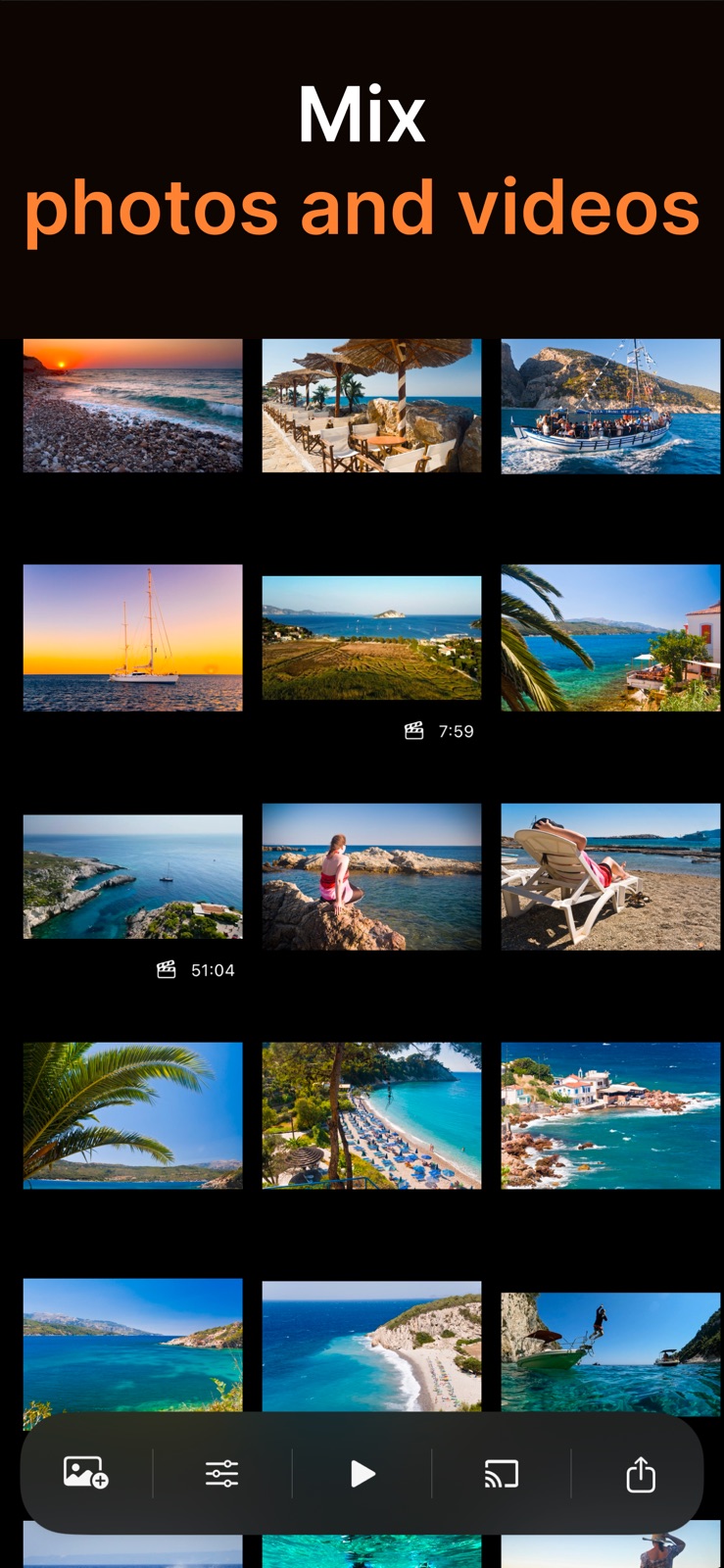
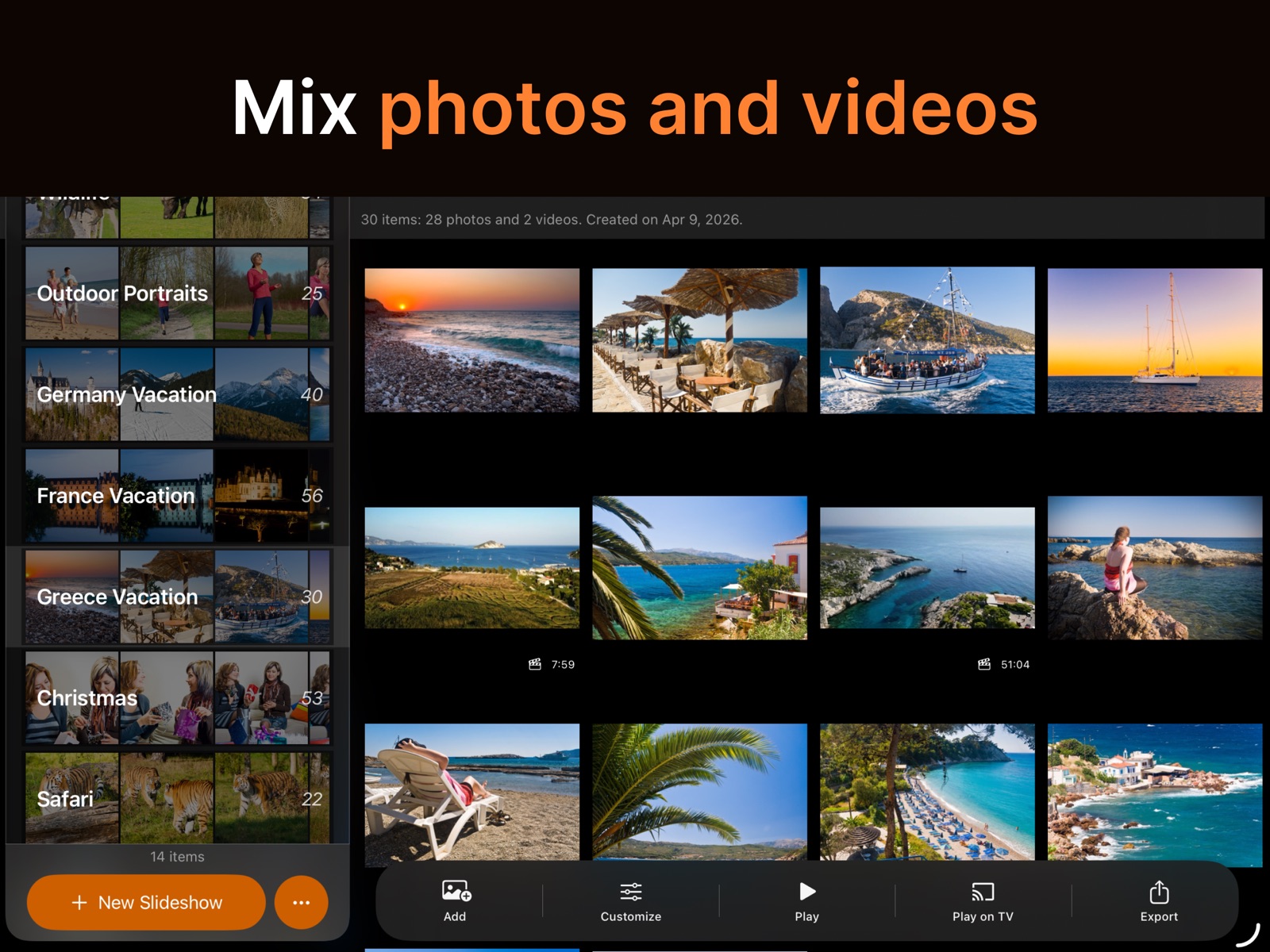
Mix Photos and Videos
Photos and videos belong in the same slideshow. Videos bring their own sound, the background music steps aside while they play, and transitions ease a clip in and out exactly as they do a photo.

Never the Same Slideshow Twice
Let SlideFlow shuffle, and no two playbacks are alike – it varies the order, the look, and the music every time, so photos you have seen a hundred times keep surprising you.

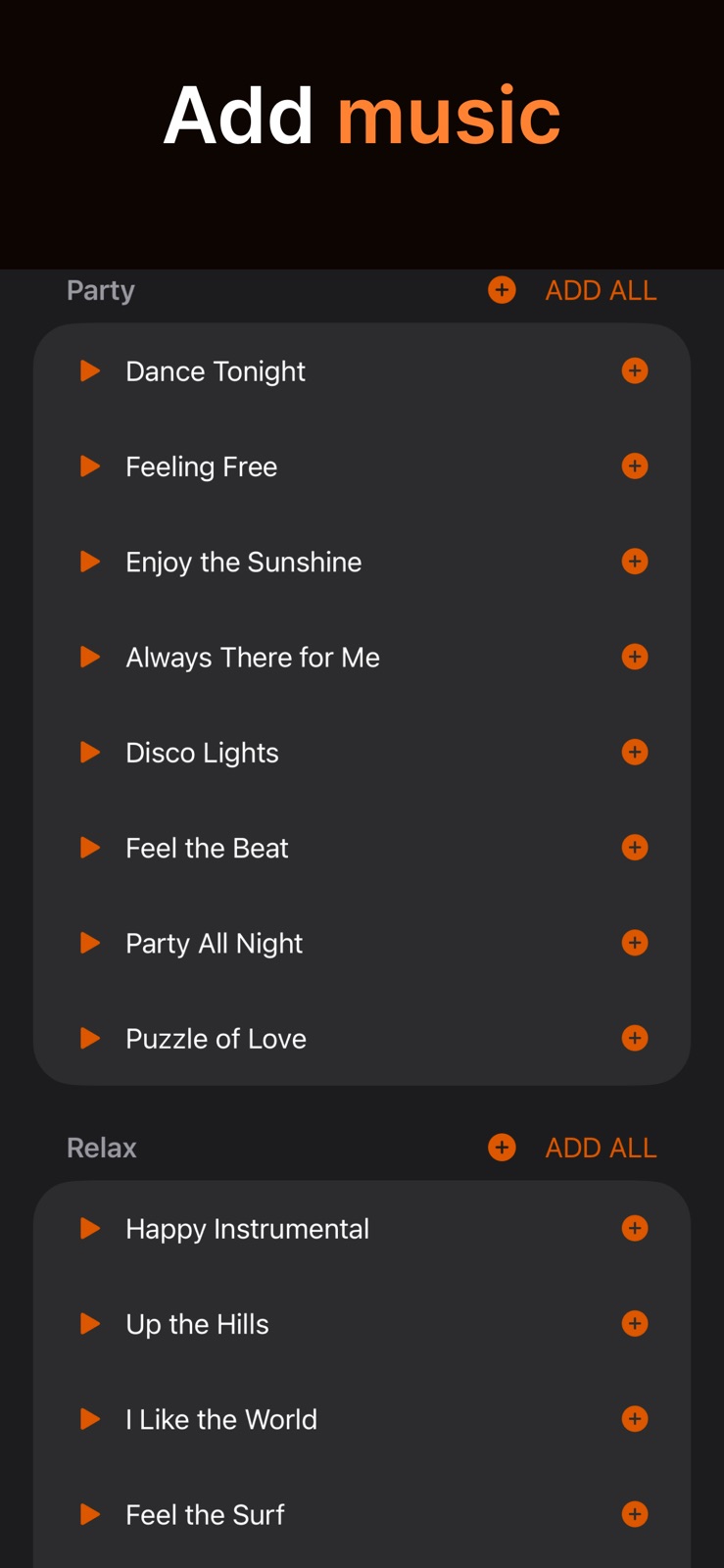
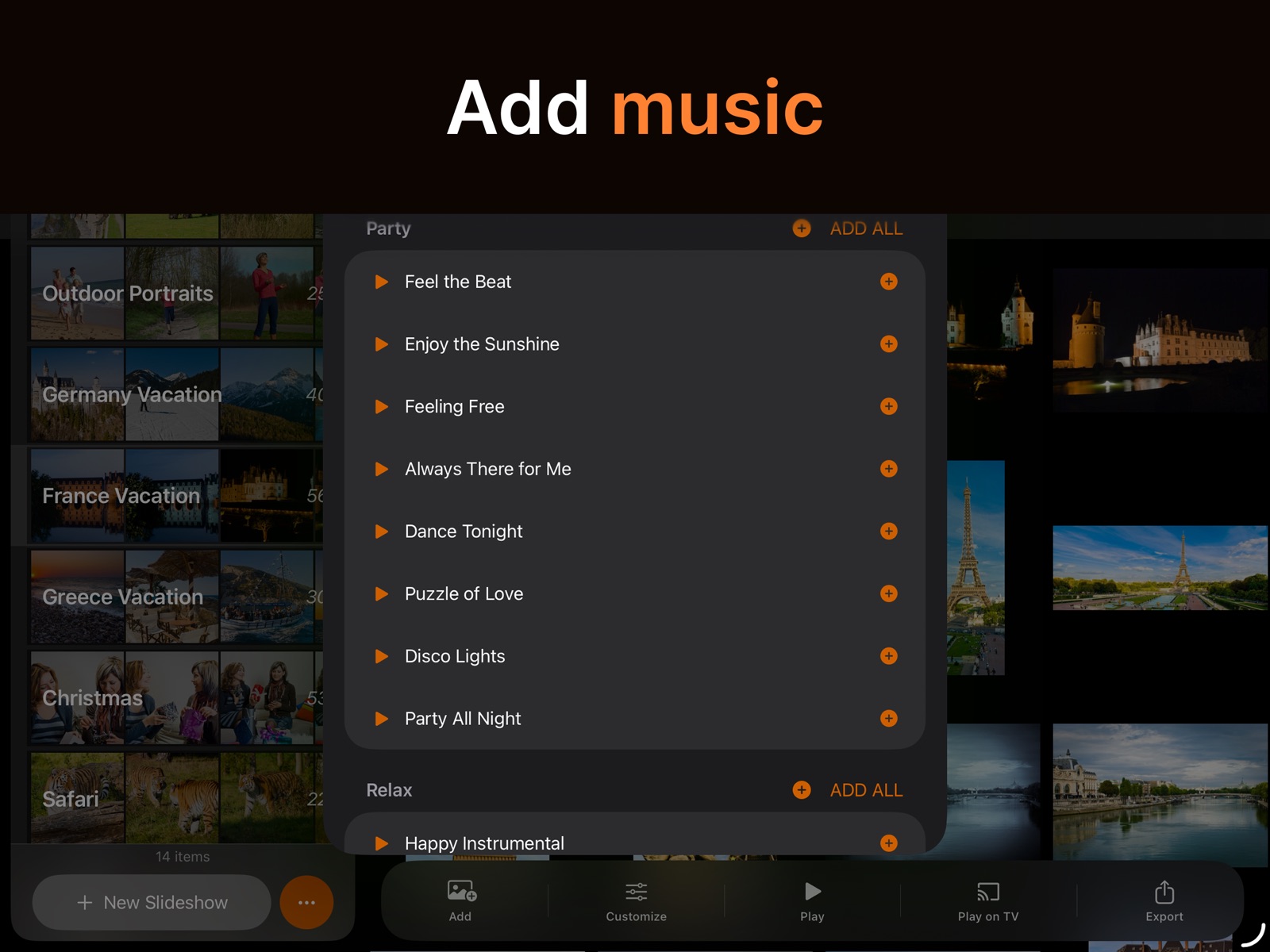
Music
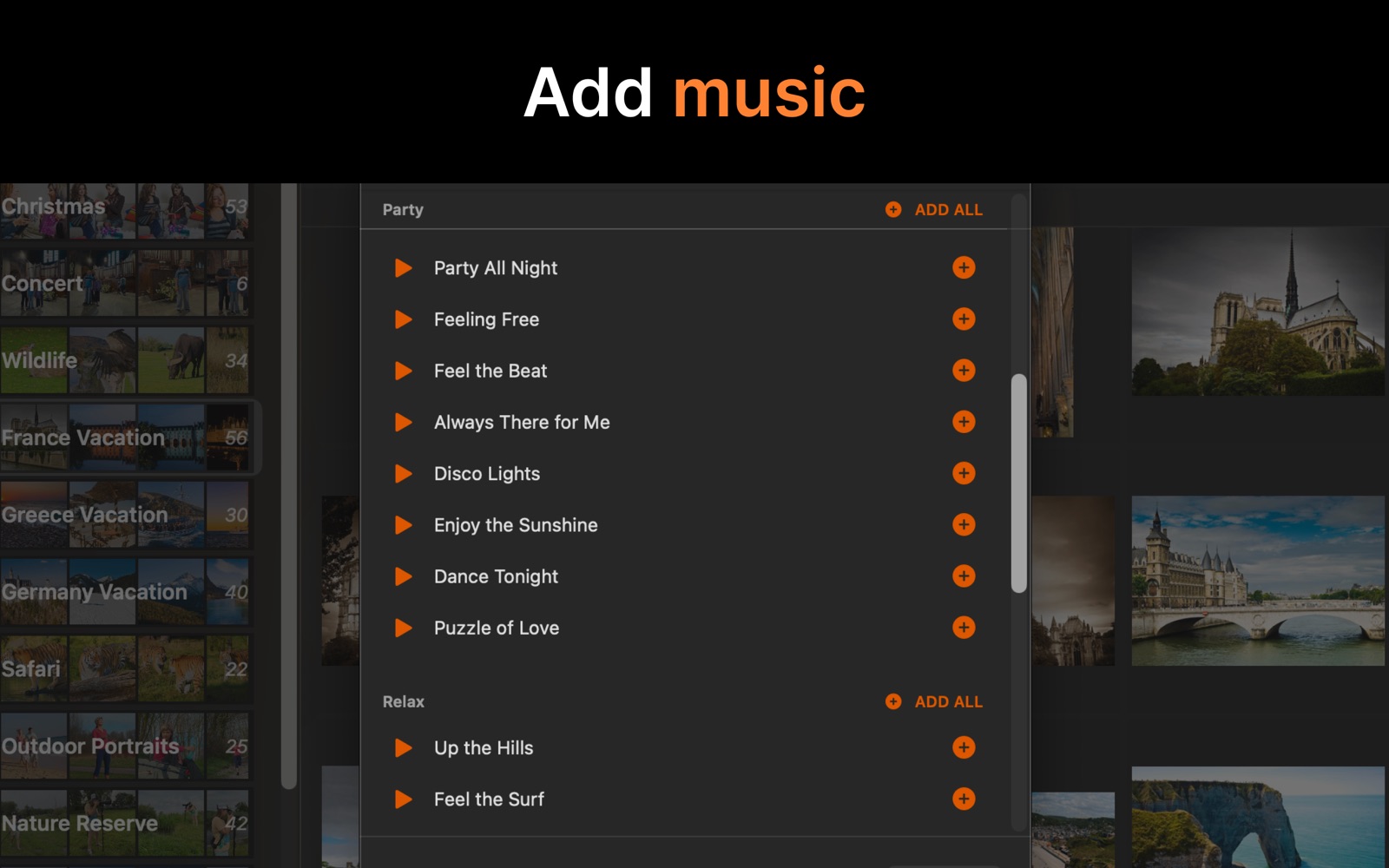
Add music that sets the right mood. Choose from a wide selection of built-in tracks across various genres, or add your own.

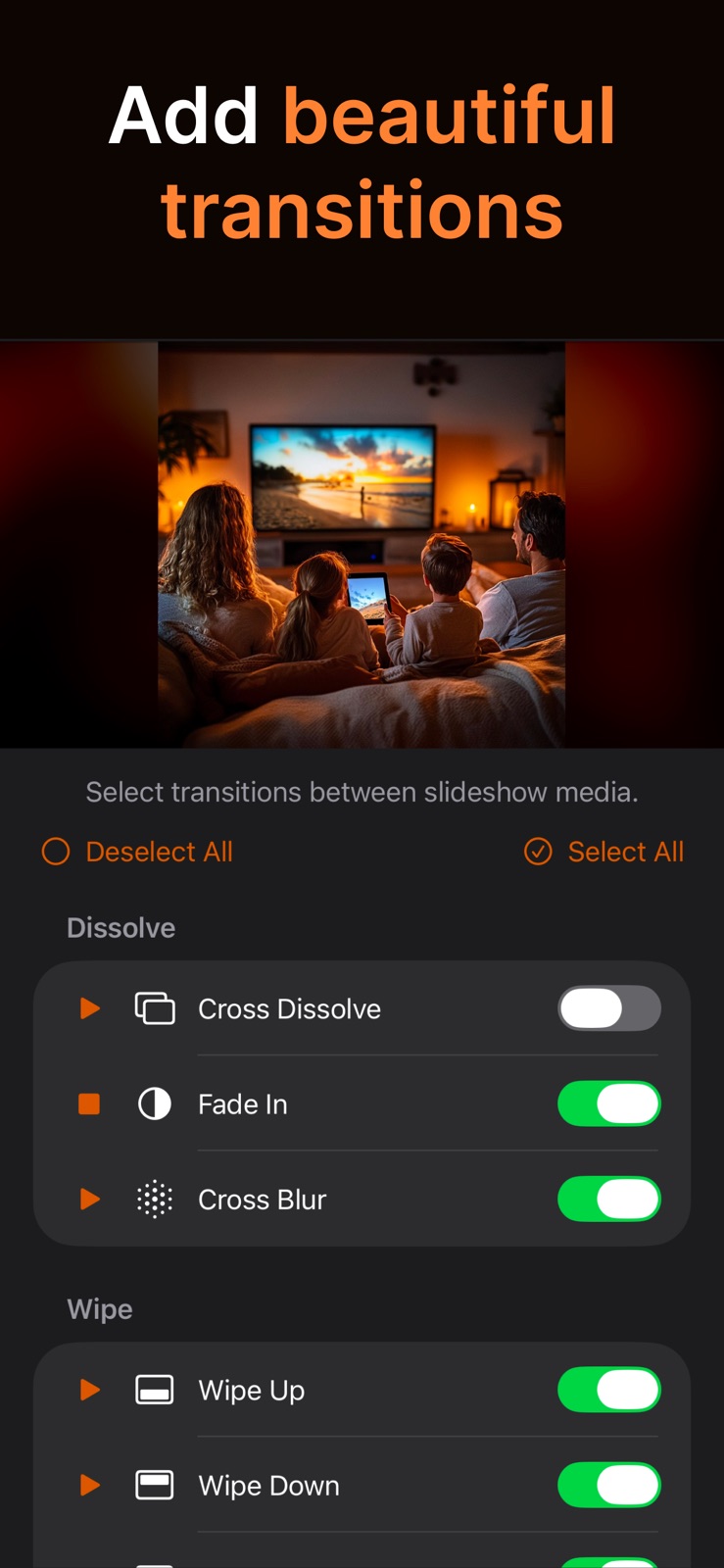
Transitions
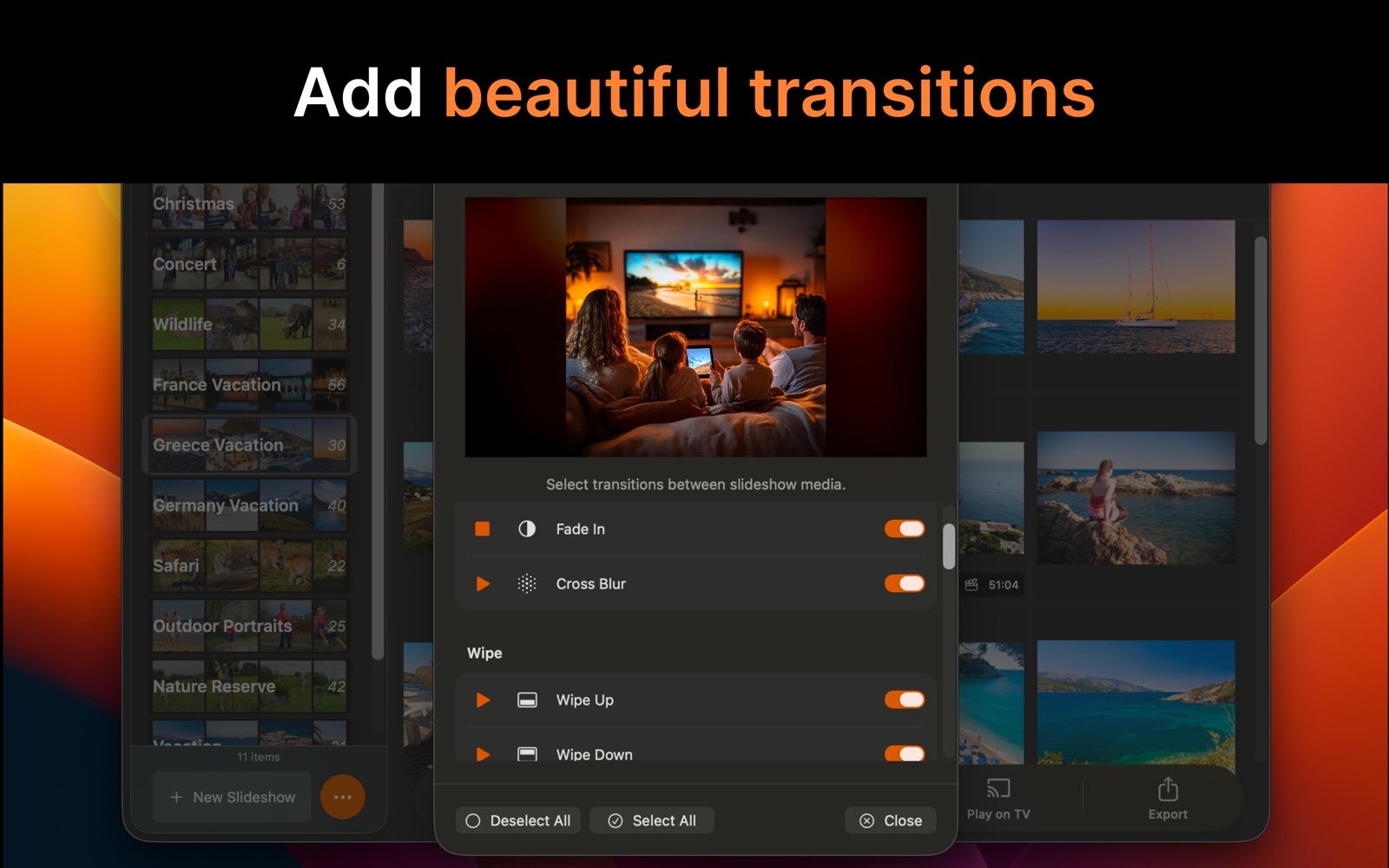
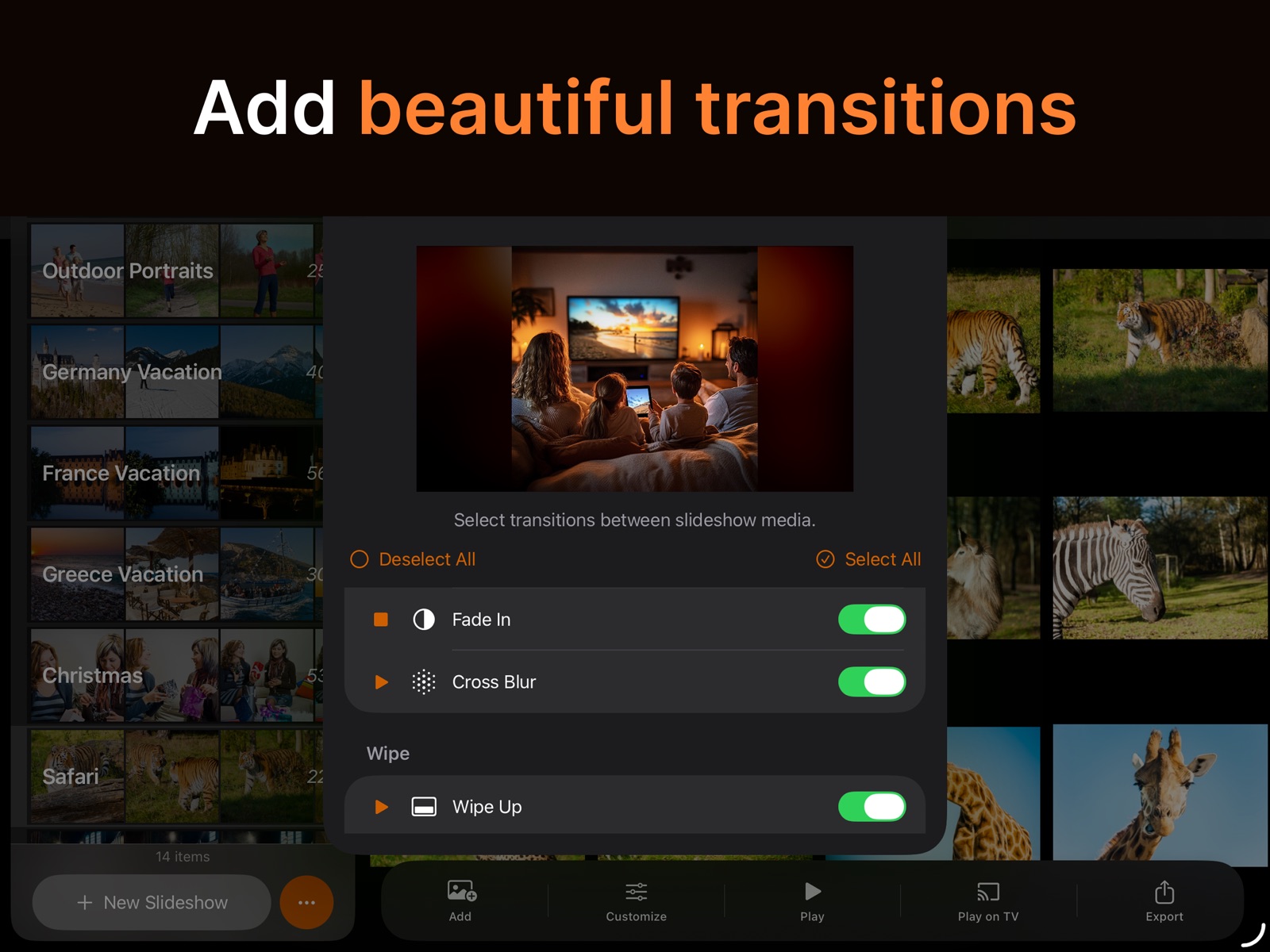
Thirty-three transitions – dissolves, wipes, slides, whip pans, glitches and more – blend your photos into each other for a polished, professional look.

Animations
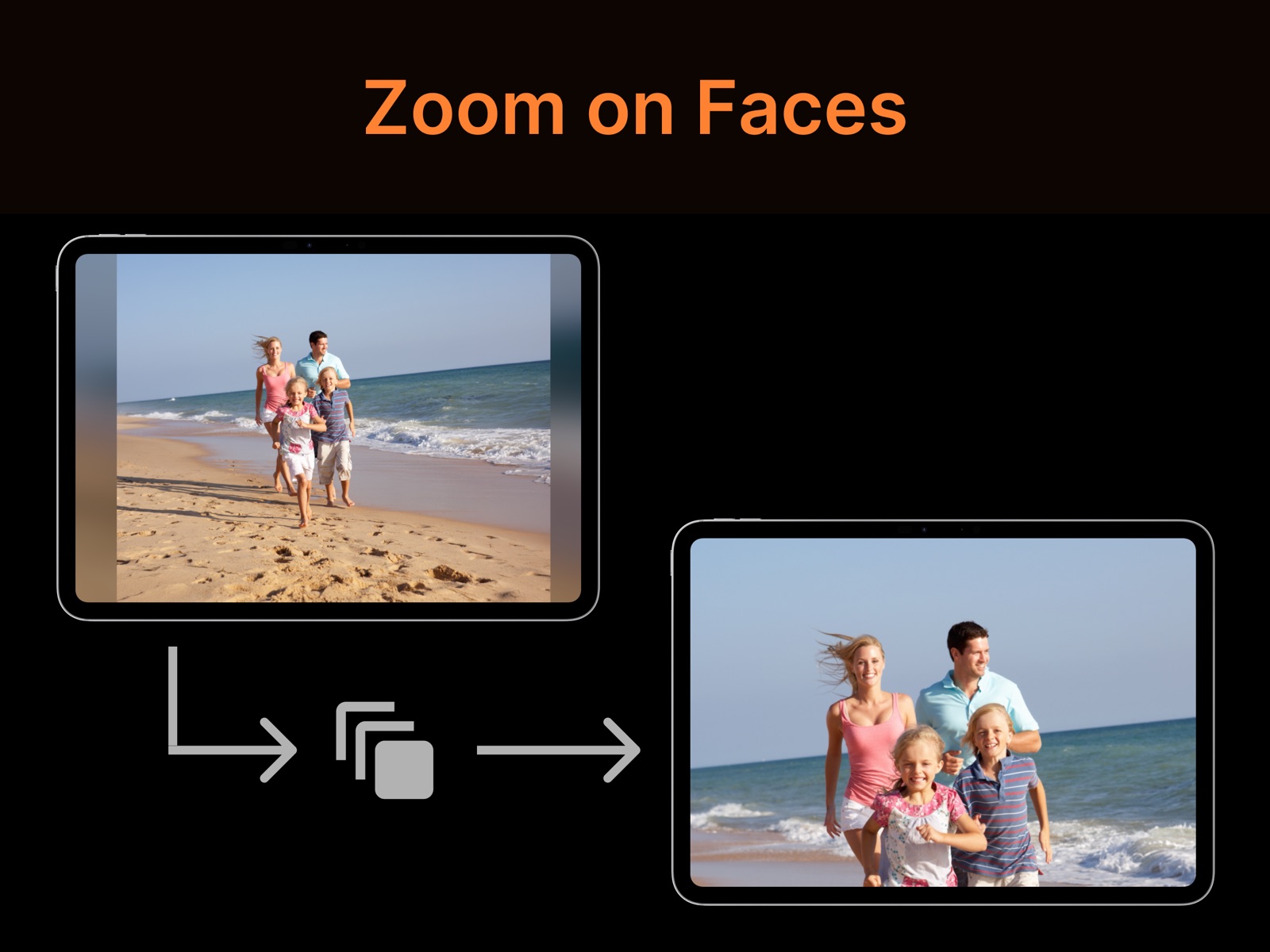
Bring your photos to life with smart animations, achieving the most natural and enjoyable viewing experience:
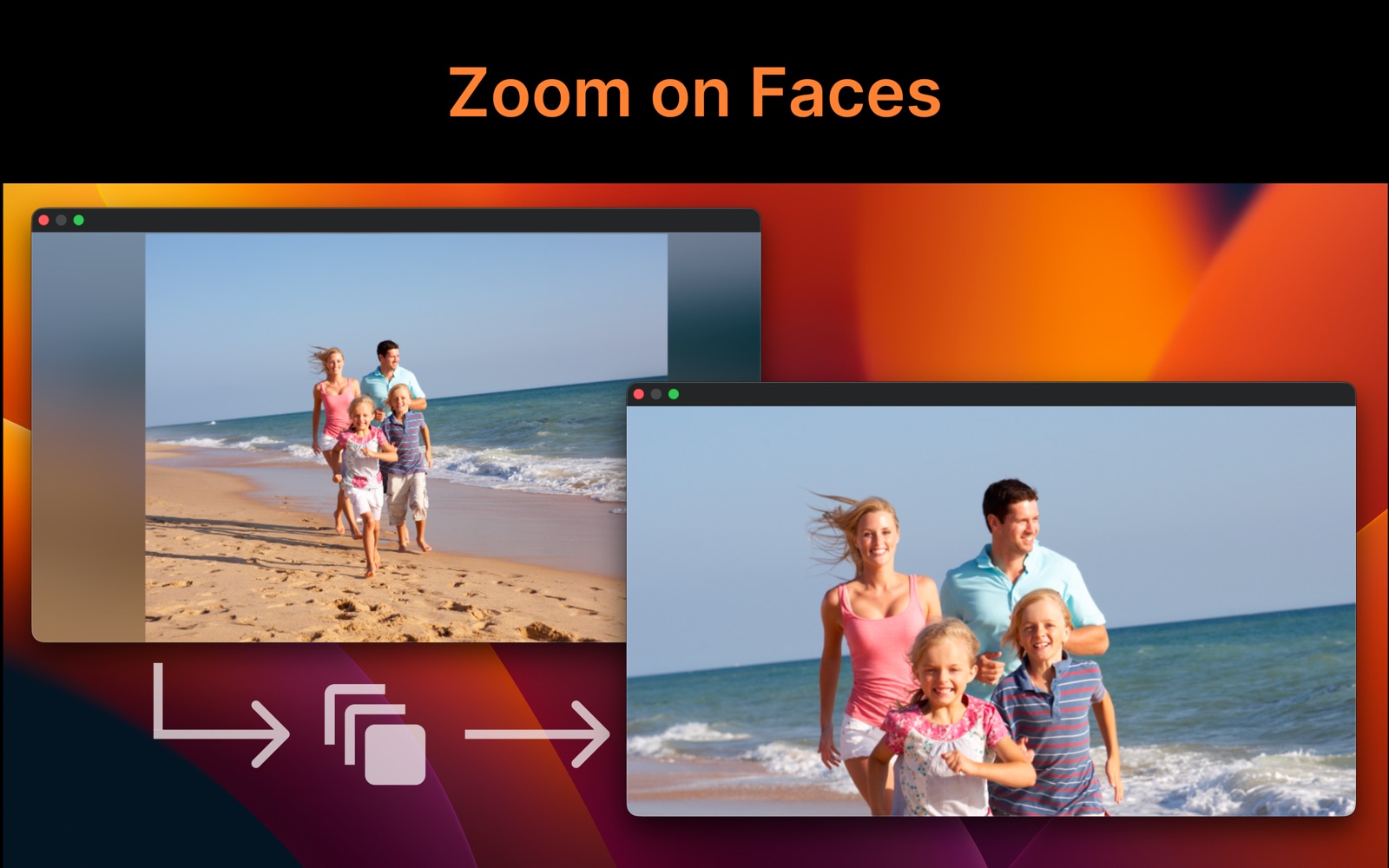
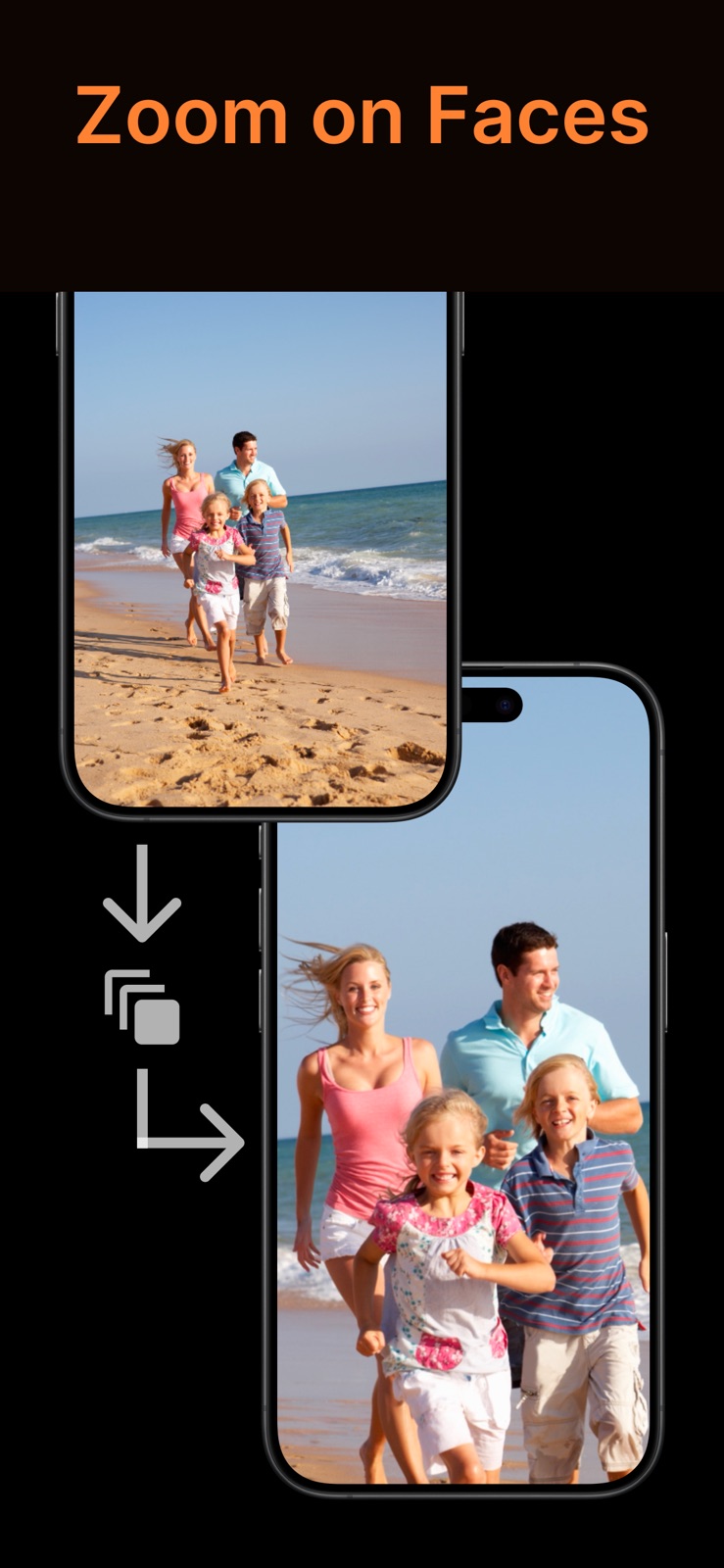
- Zoom In first introduces the environment (the full photo) and then focuses on the faces or the most interesting area.
- Zoom Out does the opposite: it begins with the people or the area of interest, then reveals the scene around them.

Powerful Customization
- Shuffle photos & videos for a fresh slideshow each time.
- Loop slideshows to keep enjoying them endlessly.
- Customize settings for the whole slideshow, or fine-tune individual photos and videos.

Creative Filters
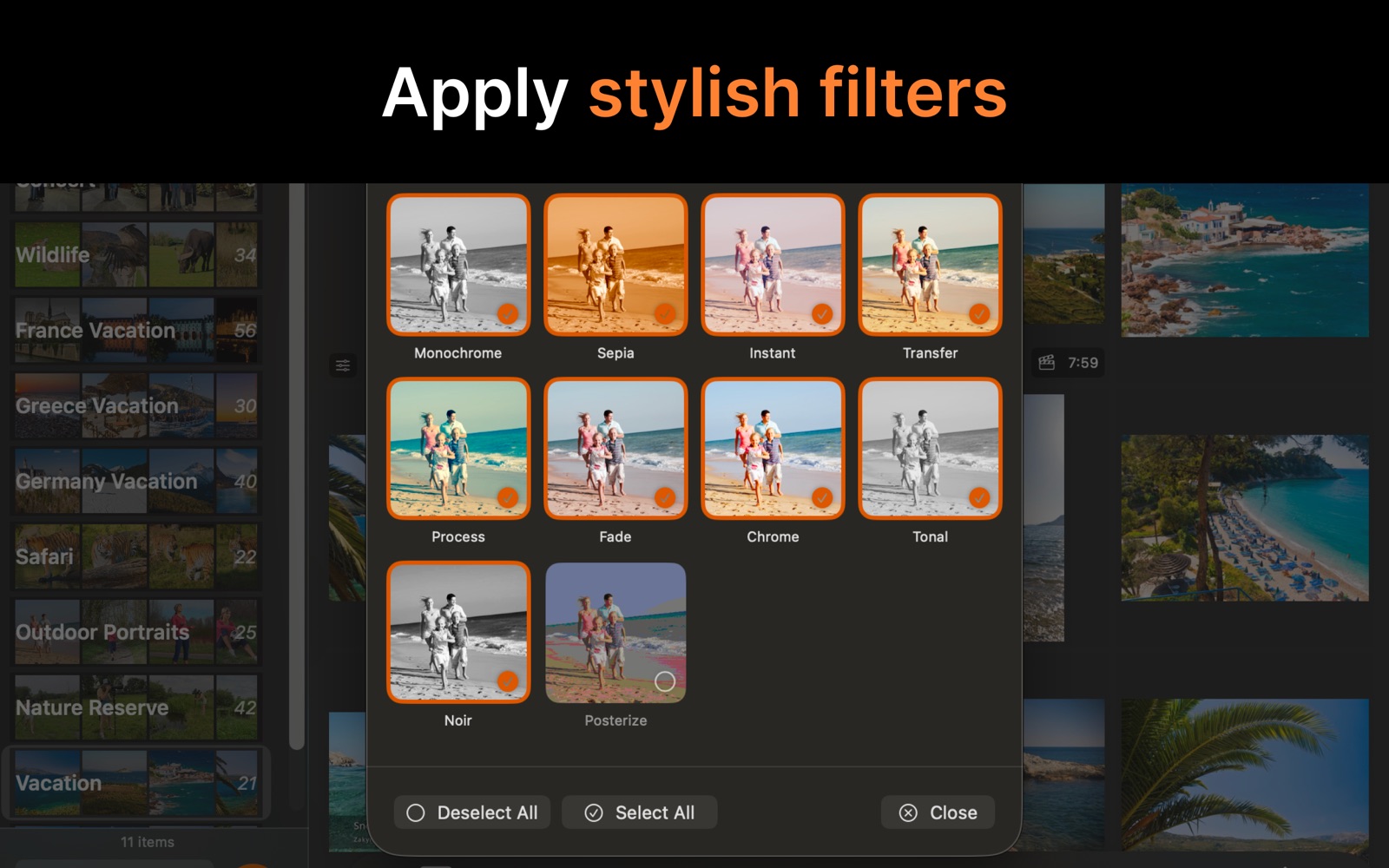
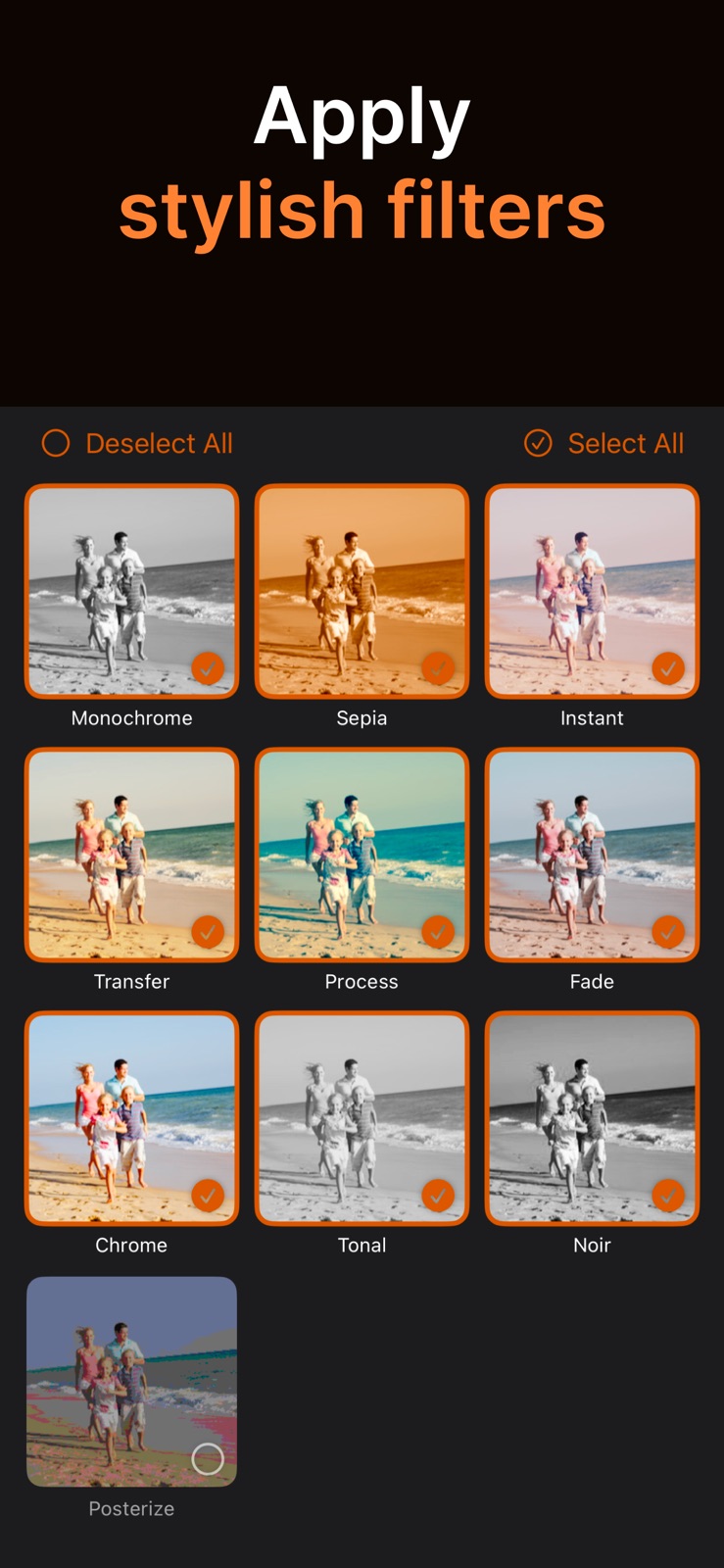
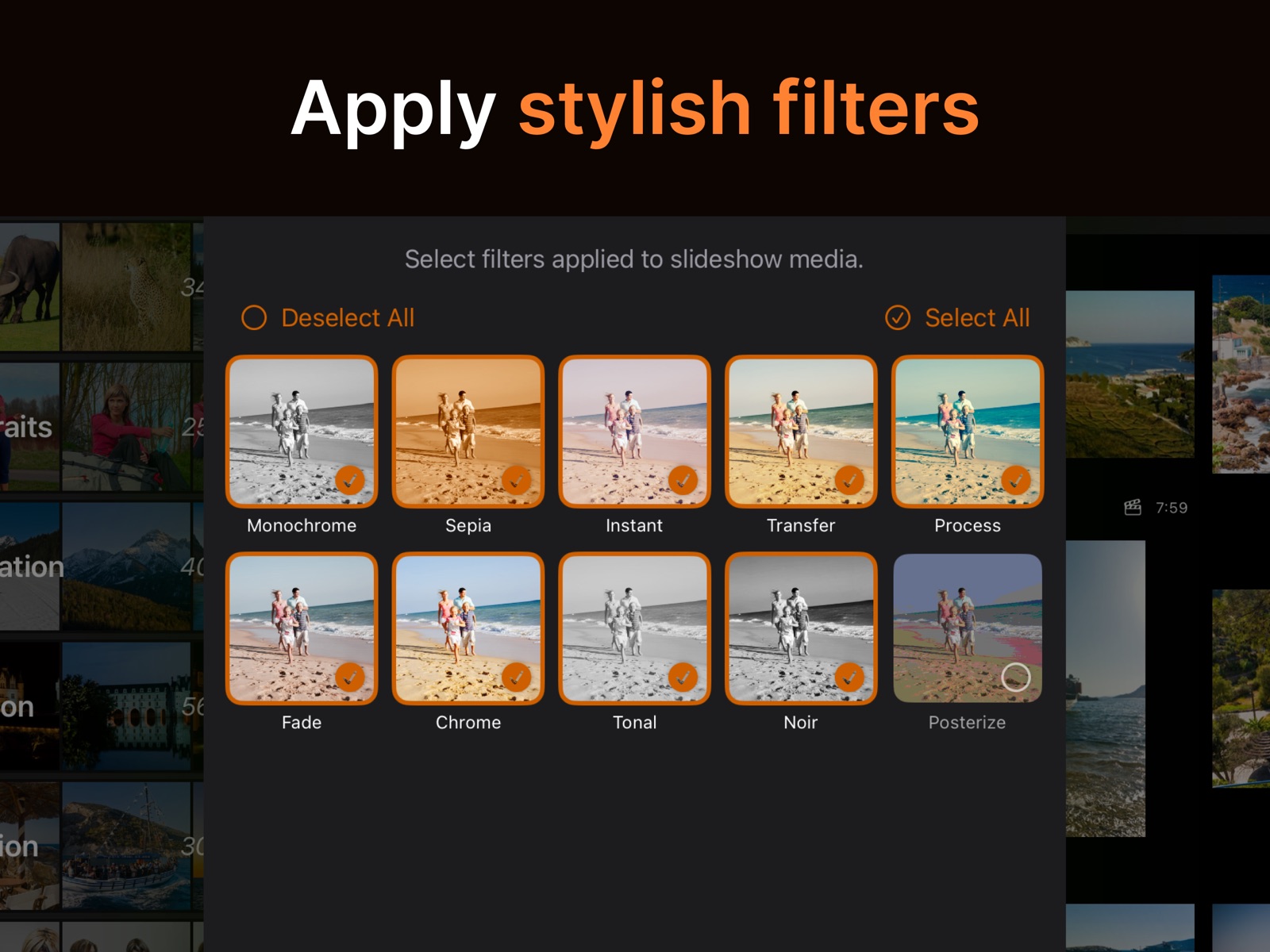
Apply stylish filters – Monochrome, Sepia, Chrome, Noir, and more – to see your photos and videos in a new way every time you watch.

Text & Image Overlays
Add text and image overlays on top of your slideshows – a title for the occasion, captions, or your own logo.

Photos, Files, and Folders
Build slideshows from your Photos library, image and video files, or folders – drop in a folder containing photos, videos, and music, and get a finished slideshow. Choose whether files are copied into SlideFlow or referenced in place to save space – ideal for large collections stored on external drives, which several of your devices can even share, without the media ever touching iCloud.

Automatic Slideshow Creation

Smart Selection and Filtering

Seamless Sync Across Devices
Your slideshows are synced across all your devices – Macs, iPhones, and iPads.
SlideFlow Screenshots



Tip: the best slideshows start with the best shots. Compare similar photos side-by-side and keep only the winners with iPick, our photo culling app. And for shooting and editing advice, browse our Photography Guide.
Pricing
SlideFlow is free to download, and you can try it in two ways:
- An unlimited free trial mode, where generated slideshows include self-promotions.
- A fully functional free trial for a few days, included with some subscriptions.
Full access is available through subscriptions or a one-time lifetime purchase. Your purchase unlocks all features on Mac, iPhone, and iPad, and can be shared with your family through Apple Family Sharing.
See the current pricing on the App Store.
System Requirements
SlideFlow requires macOS 14.0 (Sonoma) or later on Mac, and iOS 17.0 / iPadOS 17.0 or later on iPhone and iPad.
Learn More
Have a question? The SlideFlow FAQ covers the differences between the Mac, iPhone, and iPad versions, adding your own music, and more.
To get the most out of the app, browse our SlideFlow tutorials – step-by-step guides and tips for creating a slideshow on Mac or iPhone and iPad, adding your own music, and saving your slideshow as a video for YouTube, Instagram, or TikTok.